


Dear subscribers,
Today, I want to show you how to build beautiful slide decks with Claude Code.
Instead of making PowerPoint and Google Slides manually, I built a /slides skill that turns a rough outline into a fully animated HTML deck in minutes.
Just install the skill and type “/slides (your rough outline)” to generate a beautiful slide deck. Watch my tutorial now for the complete walkthrough.
Timestamps:
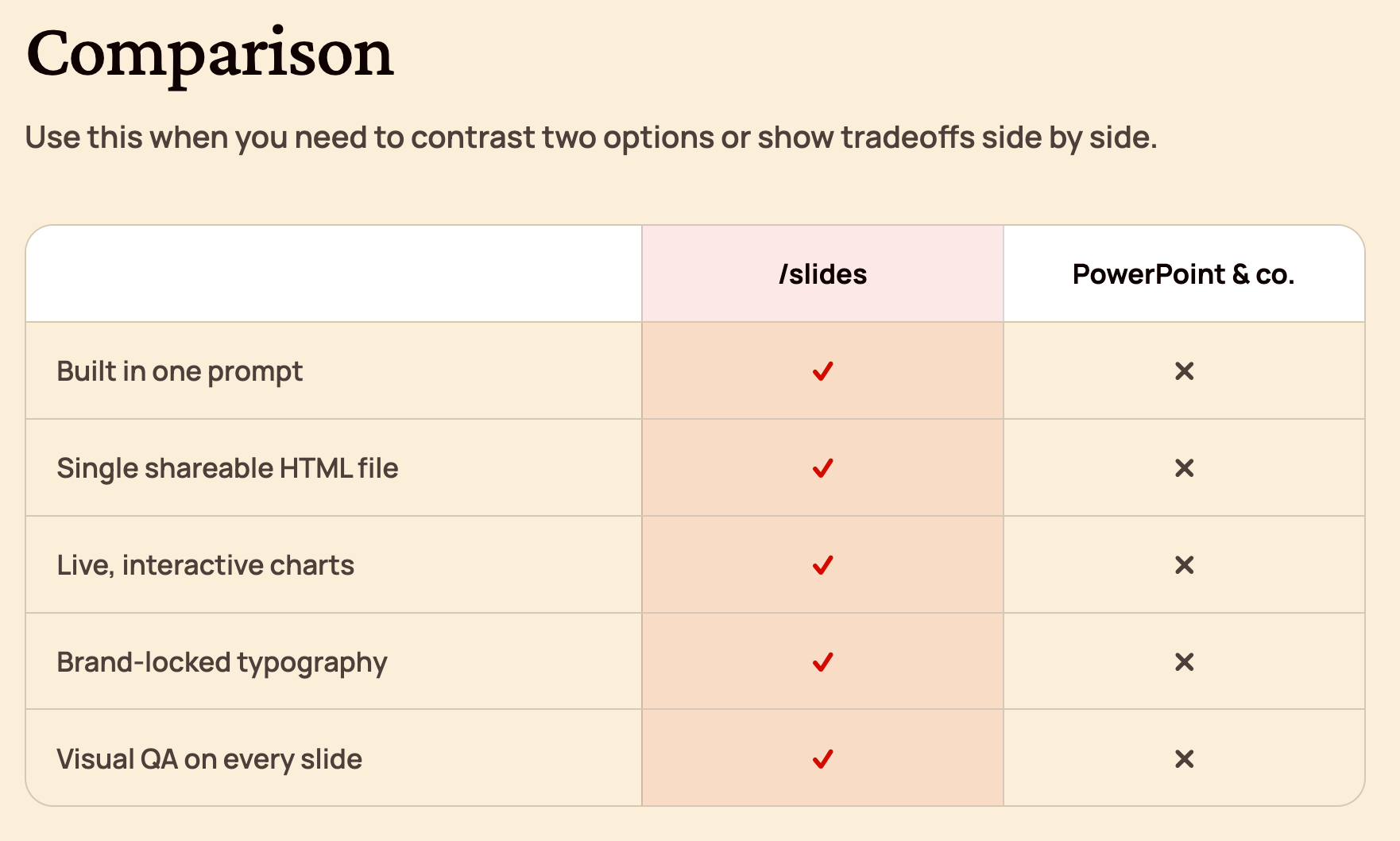
(0:00) Why building slides with AI is better than PowerPoint
(1:30) My /slides skill: 12 formats and 3 templates
(4:20) The 6 steps that make the skill actually work
(5:16) Watch me generate a full deck in 3 minutes
(8:13) What's actually inside my /slides skill file
(11:57) The one lesson that matters when building with AI
I’m proud to partner with Oceans Talent

I hired Char through Oceans a few months back to help with podcast production. What I didn’t expect was how quickly he’d take it further. He’s now creating clips and picking up Claude Code and Codex on his own to deliver more every week.
Oceans Talent places operators, not assistants. Their talent is AI-fluent and delivers what a senior US hire would at 3-5x less cost. If you need help with marketing, ops, finance, or an EA, book a call at oceanstalent.com/peter.
Why you should build slides in HTML
Getting AI to generate slides in HTML has many advantages, including being able to:
Go from 0 to draft deck in minutes with a rough outline.
Create live, interactive charts with Chart.js.
Drop in images and have AI automatically resize them.
Add subtle motion to capture attention.
Run a visual QA loop where the AI polishes the slide for you.
Ship with zero dependencies since all slides render in a single HTML file.
12 beautiful slide formats and 3 templates
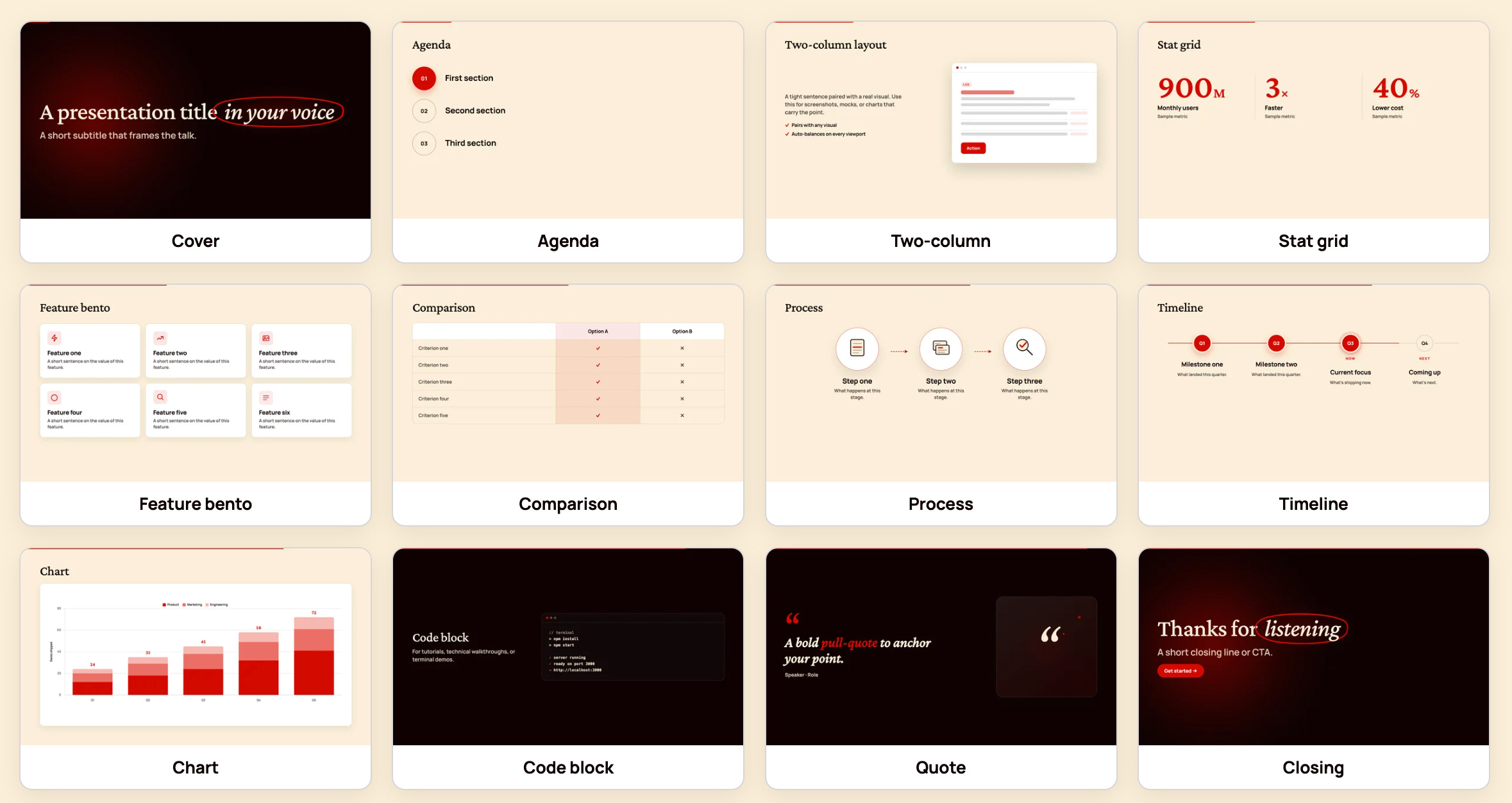
My /slides skill comes with 12 ready-to-go formats (cover, agenda, two-column, stat grid, feature bento, comparison, timeline, chart, and more) and three visual templates:
Default: Editorial and warm with a sharp red accent.
Dark: Bold and contemporary with a black background and yellow accents.
Light: Apple-style clean and minimal.
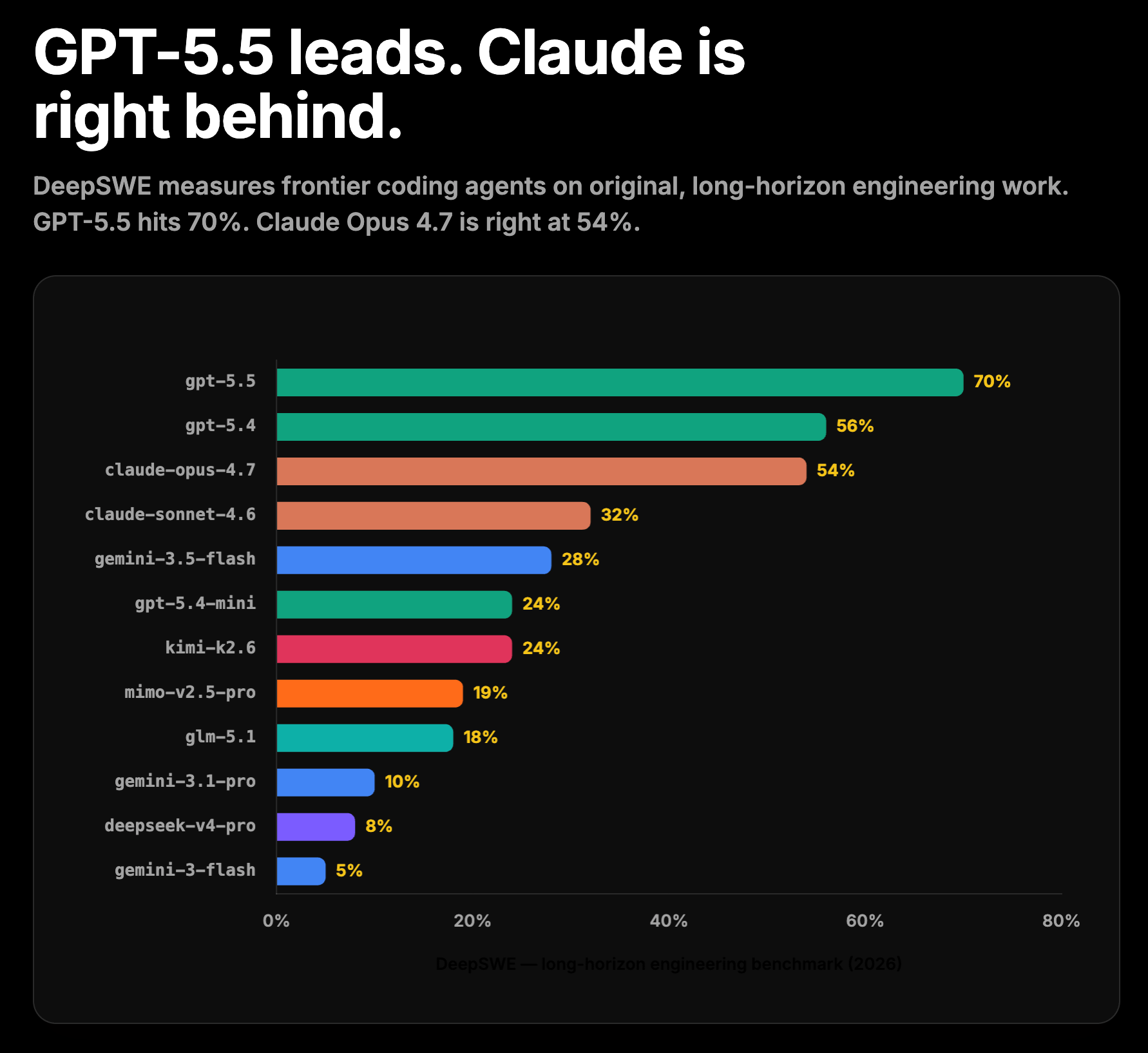
Here’s an example chart slide generated using the dark template:
How to start using the /slides skill now
You have two options:
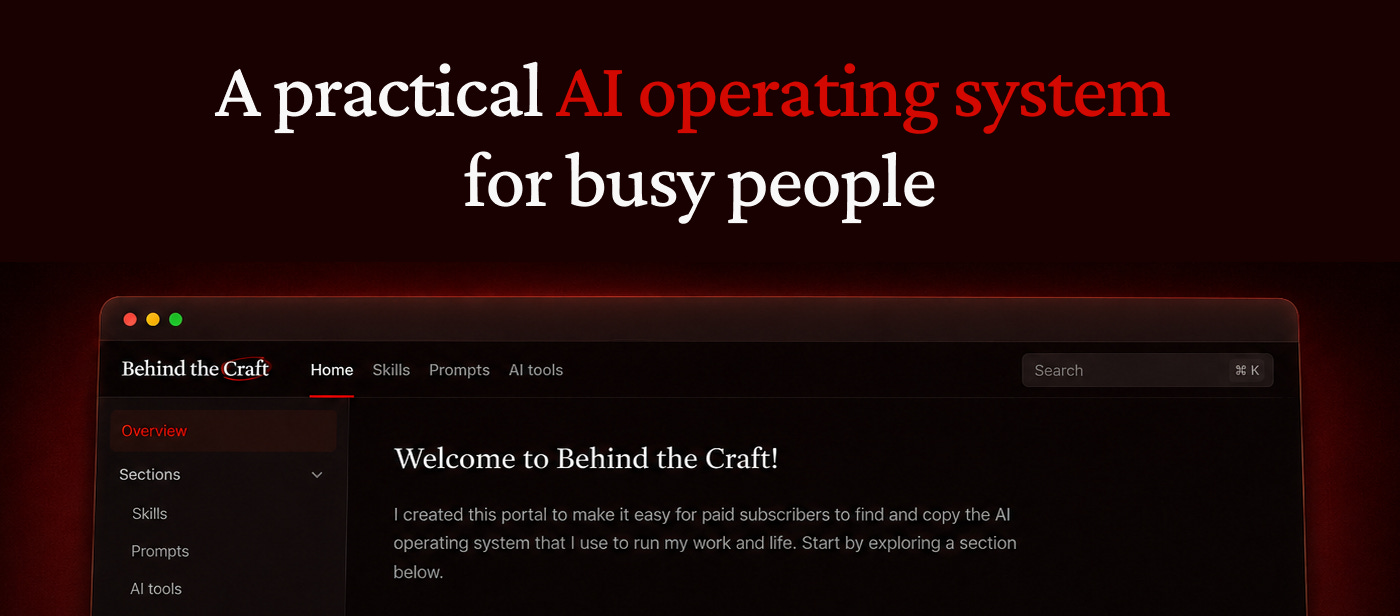
Copy and start using the skill right away by visiting behindthecraft.com to unlock it and 10 other handcrafted skills.
Keep reading to understand how I built the skill in 6 steps.
How I built the skill in 6 steps
Here's how the skill works under the hood in 6 steps:
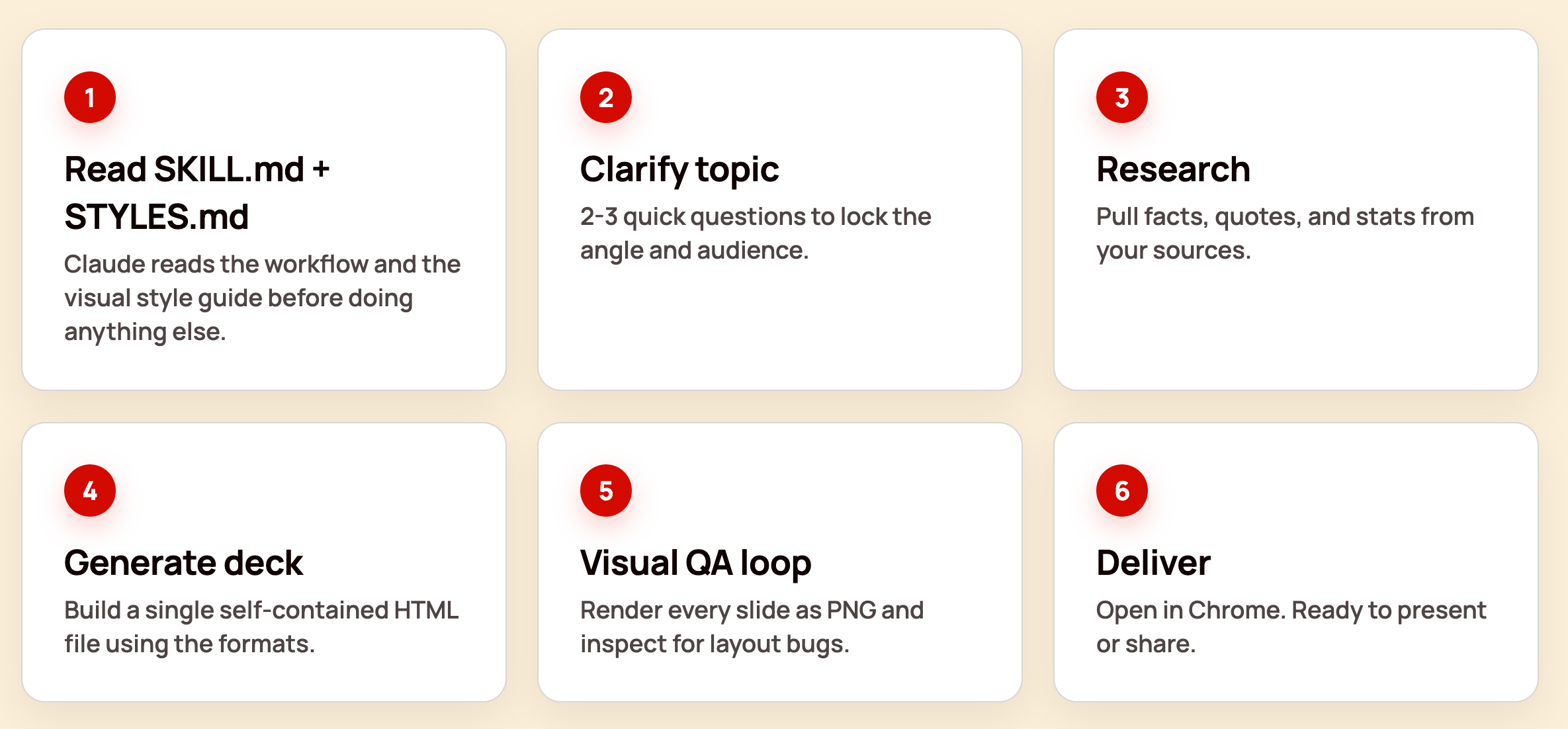
Read skill.md and styles.md to understand the guidelines and slide formats.
Clarify the topic by asking the user questions about what the contents should be.
Research online to supplement what the user provided.
Generate the deck as a single HTML file.
Run a visual QA loop to take screenshots of each slide and fix layout issues.
Deliver the final deck that you can present in your browser.
To build this skill yourself, follow my tutorial and iterate with AI on the steps above.
With AI, you have to build the system first
If you remember just one thing from this tutorial, make it this:
With AI, build the system once instead of doing the work every time.
Creating my /slides skill took me longer than making a deck from scratch. But now that it’s up and running, I can use it to save time on every deck I make from here on out. The same idea applies to any workflow or routine you do more than once.
Watch my tutorial now and let me know if you have any questions in the comments or get a Behind the Craft membership to unlock the skill now.
Thank you for sharing, Peter! I don’t think “beautiful” is the right word to describe these slides. Functional or practical are more accurate. This is proof we will ALWAYS need creatives.
Thanks, Peter! Great tutorial. Super cool html integrations and really stirs the creative juices… After creating over 10,000 PPT decks in my career, seriously… My main issue with creating slides with AI as a professional: (1) Longevity of the content (2) Document Sharing (3) Concerns with copyrighted images (4) Use of industry jargon integrated into the slides… (1) My library is gold. All of the elements and templates are built over time and they keep my work flow fast and efficient and reusable (2) Honestly, the sales people et al that I built for are not tech people, they need decks that they can edit on the fly when customing for their clients (3) While ai is 60% great at providing images, they often do not represent the exact content/products/people that I need, it’s nice but not precise and certainly not Getty-approved (wink) (4) Creating a PPT deck most of the time is very specific to an industry and while you can base the ai /slides on a pre-designed document, the ai doesn’t know jargon. It doesn’t know that NFL Football is different from College Football, for example. And often, due to its own copyright base code, cannot process that information. All in all, great stuff. Just some thoughts. Thanks for all of your hard work, much appreciated!!