


Dear subscribers,
Today, I want to share a review of Claude Design, Anthropic’s new AI design tool.
In the tutorial below, I ran through 5 real demos live using Claude Design to create videos, slides, websites, apps, and even a design system.
Watch my tutoral now for the complete walkthrough.
Timestamps:
(0:00) Why Anthropic is coming for the full knowledge work stack
(1:12) Turn any post into an animated video
(4:17) Pro tip for creating beautiful slide decks
(7:27) Recreate any landing page in one prompt
(9:21) Build a 3D rotating globe and text particle effects
(10:53) One-shot a mobile fitness app with play testing built in
(12:46) Generate an Apple Liquid Glass design system
(14:28) 3 takeaways on where AI design is headed
I’m proud to partner with Granola

I have Granola’s MCP connected to Claude and use it as a weekly coach. Every Friday, I ask it to recap my meetings and pull out next steps to follow up on.
The better prompts are the reflective ones: “What themes keep coming up across my 1:1s?” or “Where did I talk too much and listen too little?” Your meeting notes know you better than you do. Granola makes that context easy to use.
Anthropic is eating the knowledge worker stack
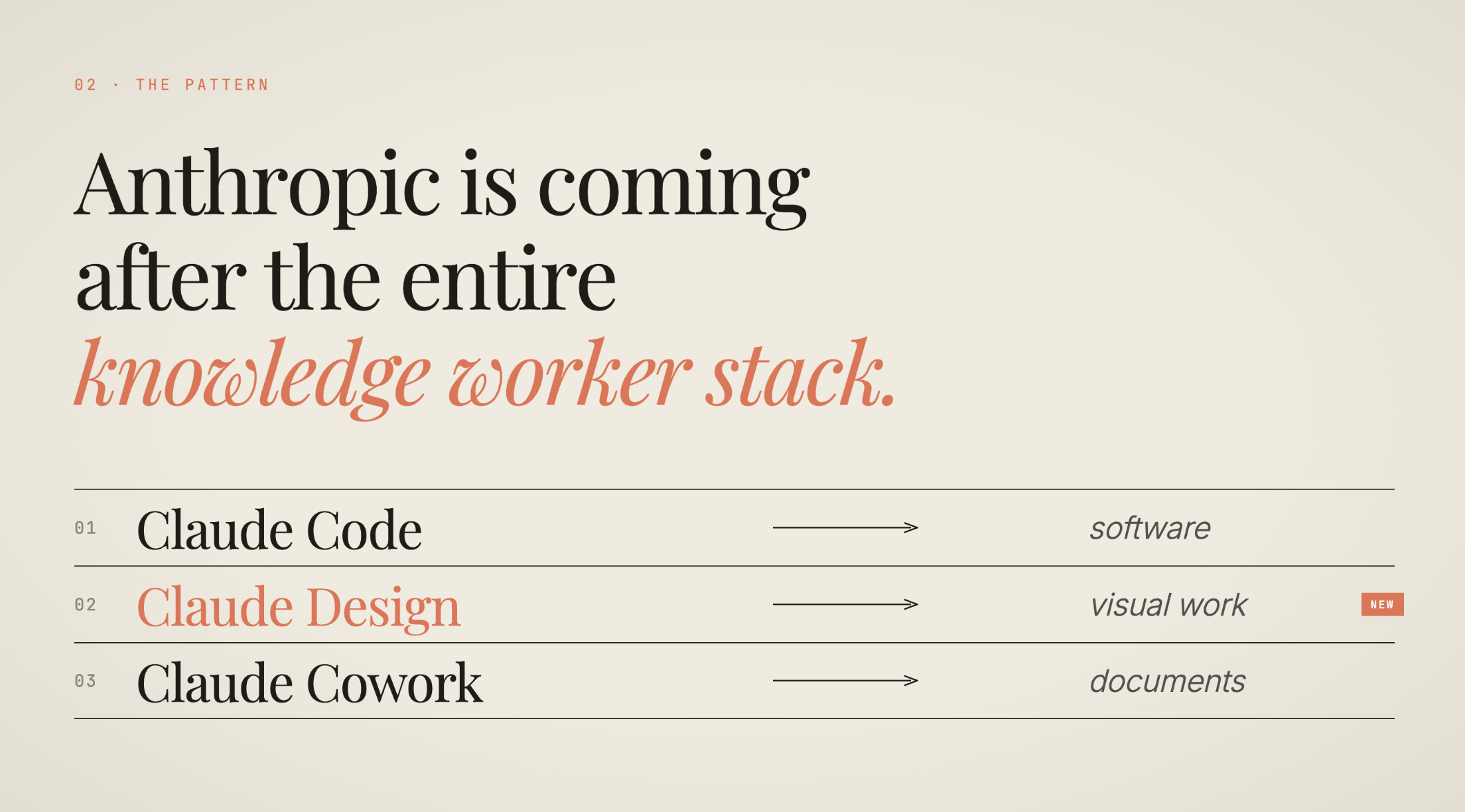
Anthropic is quietly building an AI native version of the entire knowledge worker stack. They have:
Claude Code for coding
Claude Design for design
Claude Cowork for documents and more
The common thread across all three products is simple:
Code is the universal medium for all knowledge work.
Videos, slides, websites, apps, and animations — they’re all just code under the hood. And code is now free, or at least very cheap.
This means Claude now competes with both incumbents like Figma and Microsoft Office and AI startups like Replit, Lovable, and Gamma.
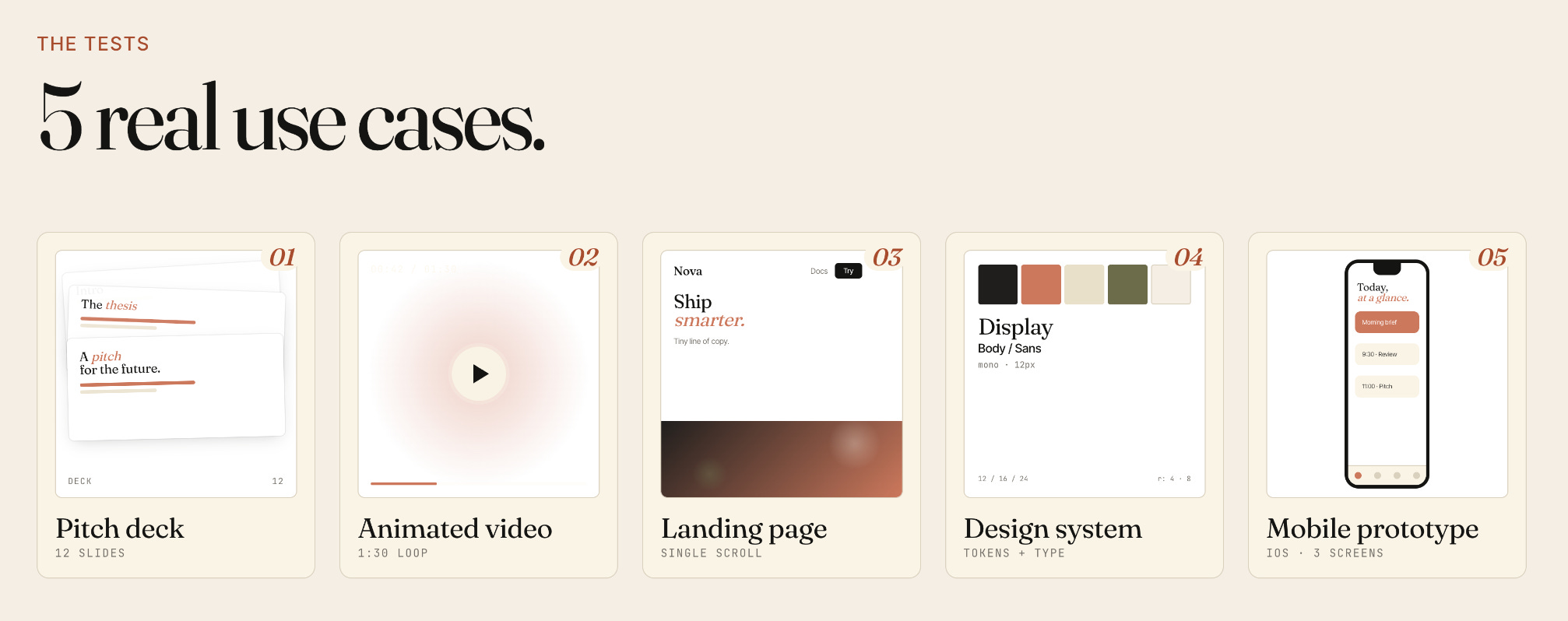
But how good is Claude Design? Let’s run through 5 real use cases: animated videos, pitch decks, landing pages, mobile apps, and design systems.
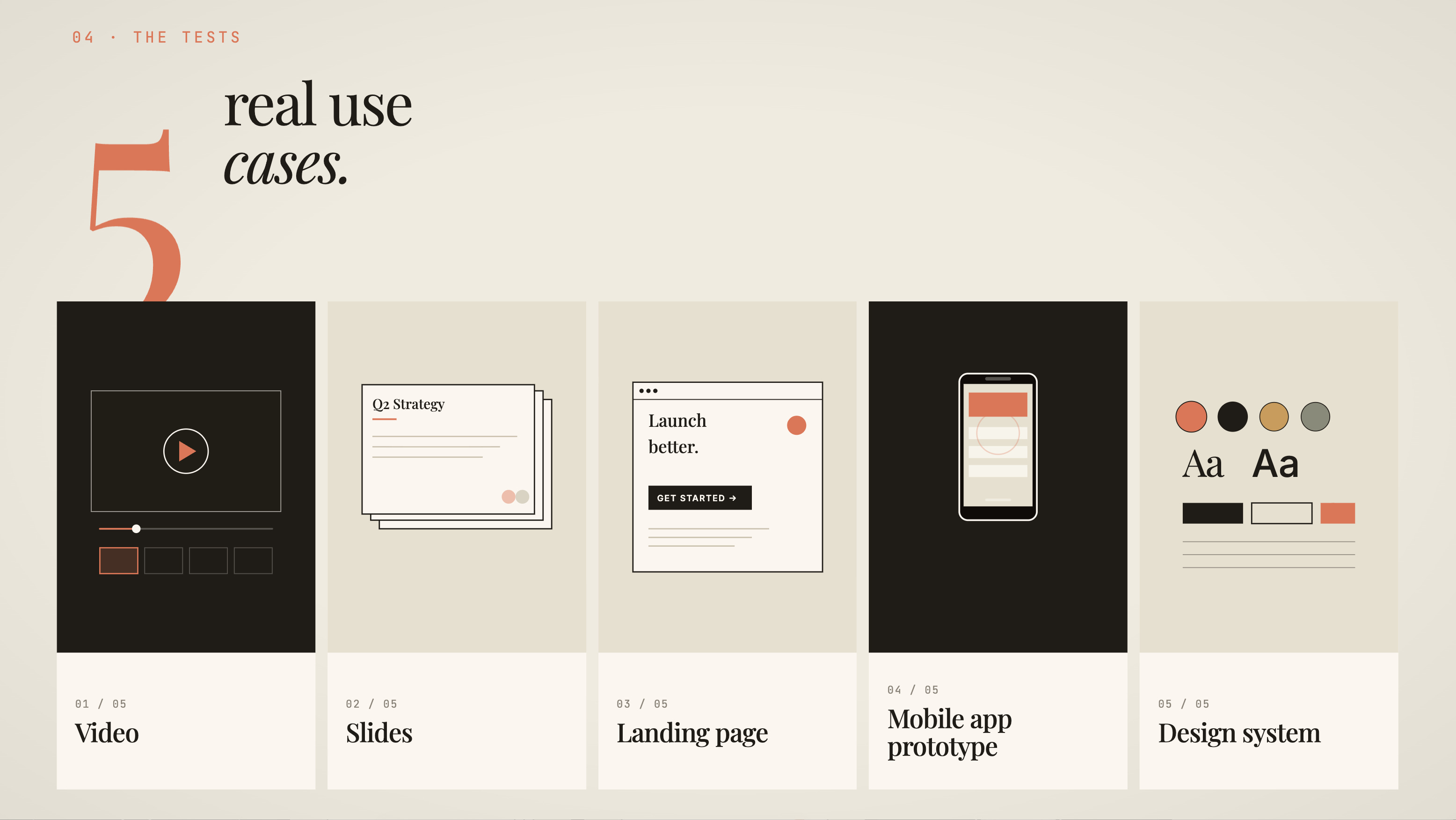
1. Animated video
Let’s start with video. Open a new project in Claude Design and paste in this prompt:
Make an animated video for Claude Design featuring this content: (Paste in the Claude Design announcement post or any text you want)
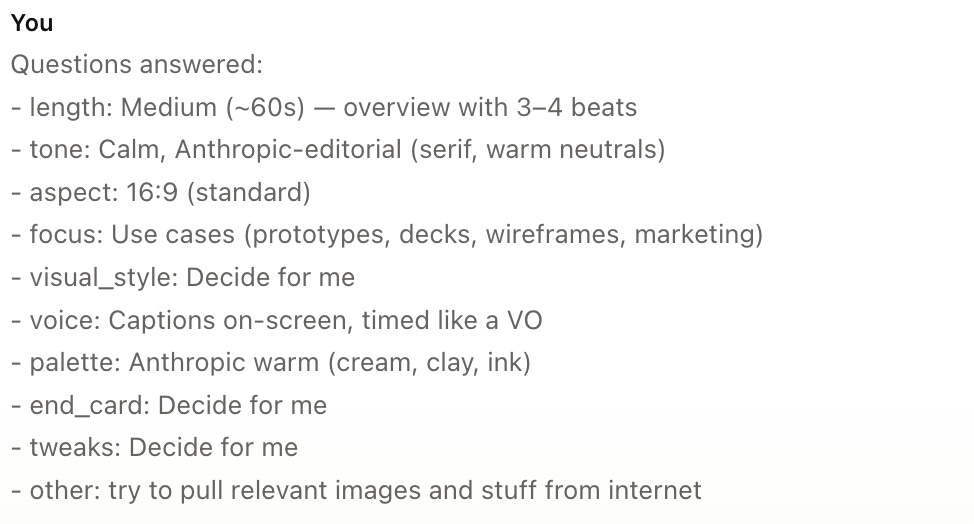
Claude will ask you clarifying questions first — how long the video should be, what tone and aspect ratio you want, and more — before making the video. It’s the same behavior as Claude Code when you ask it to build something:
Here’s the video Claude Design made in one shot:
This would’ve taken hours or days to do manually but Claude did it in just a few minutes. Because the video is just code, you can also manually tweak the color palette and even turn captions on or off.
The only flaw is that you can’t export the file as a video yet, so I had to use Mac’s screen recording to save it.
2. Slide deck
Now, let’s try using Claude Design to make a slide deck. When using AI to make a deck, I like to use regular Claude to iterate on the copy for each slide first:
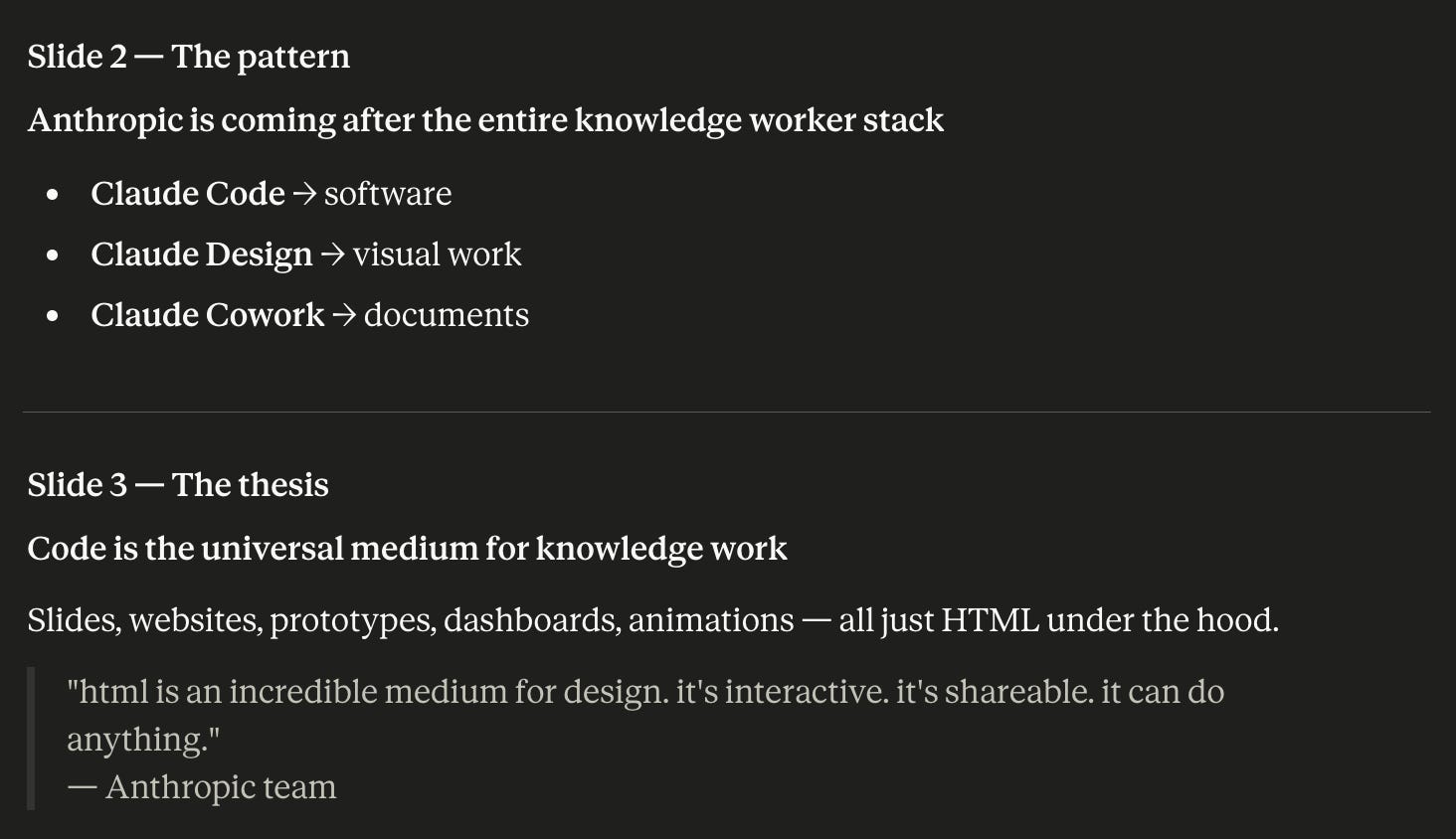
Next, I went to Claude Design, selected Slide Deck, and prompted it:
Make a slide deck with this copy: (TEXT)
Here’s an example slide that it made:
This looks OK but the overall deck feels too static and boring compared to the video we just made. So my pro tip for creating beautiful animated slides is: