


Dear subscribers,
Today, I want to share a new episode with my friends Tal and Aman.
Tal and Aman are experienced AI PMs so I put all of us on the spot to share our favorite AI product workflows — from writing strategy docs to prototyping with Google AI Studio to building a personal OS with Claude Code. Watch this episode if you want to see 5 real no-BS AI product workflows in 50 minutes.
Watch now on YouTube, Apple, and Spotify.
We talked about:
(00:00) Our best AI workflows for product work
(01:13) Demo 1: Writing strategy docs with Claude Projects
(10:21) Demo 2: Prototyping a new feature with Google AI Studio
(17:10) Demo 3: Building an AI thinking partner with Obsidian + Cursor
(24:06) Demo 4: Managing tasks with Linear MCP
(29:01) Demo 5: Building a personal OS with Claude Code and skills
(40:06) Context engineering 101 from Aman
(48:54) Summary and how you can start today
I’ll also share Aman’s personal OS GitHub repo for you to clone at the end of this post.
This episode is brought to you by…Korey

The biggest slowdown in product development isn’t your code. It’s your process. Specs, tickets, updates, and keeping everyone in sync can all take time away from actual development.
Korey is an AI agent that handles the busywork of product development. Korey turns rough notes into dev-ready specs, breaks work into tasks, and can even hand things off to coding agents like Cursor or Devin with full context intact. Teams using Korey report 48% time saved on spec creation and scoping.
Top 10 takeaways I learned from this episode
My AI workflows: Co-creating strategy and prototyping in Google AI Studio
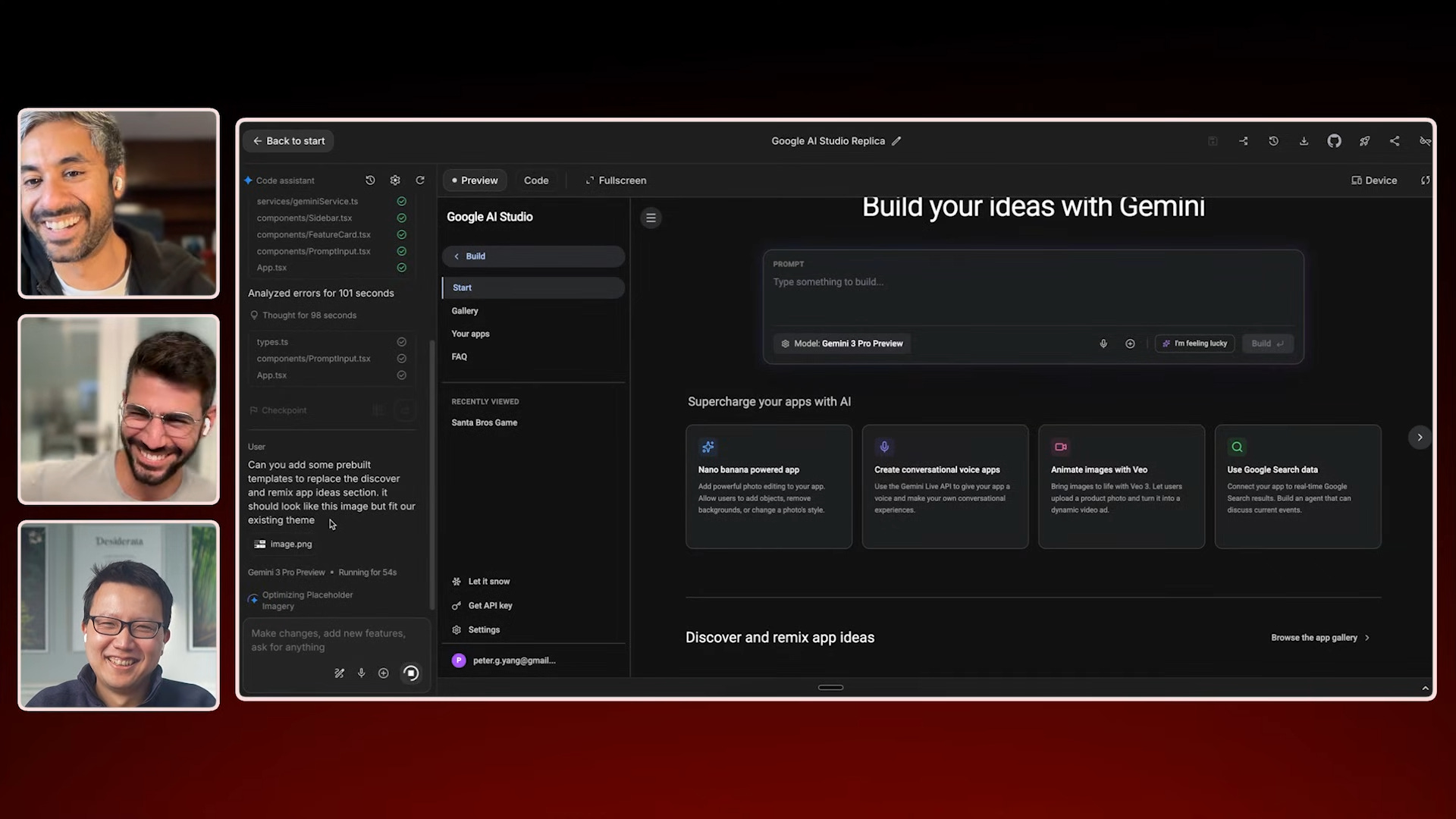
Prototype before you write the PRD. You can now build a prototype and test with real users in less time than it takes to create a PRD or design. I demoed exactly how to do this by prototyping a new feature for Google AI Studio. “Build a prototype first and test with users, then make the PRD once you have direction.”
Work with AI to create your product plan. Create an AI project and upload your strategy template and reference materials. Then ask AI to draft your document and iterate on it together. Keep your document to one page and add a TLDR paragraph at the top so readers won’t use AI to summarize it.