


Dear subscribers,
Today I’m excited to launch my beginner-friendly Hermes course with 17 opinionated lessons to set up my favorite AI chief of staff in a single afternoon.
This course covers everything from installation to integrations (e.g., email, calendar, Google Workspace) to cron jobs (e.g., morning briefing, health check).
Watch my free 45-minute walkthrough on YouTube. If you want the written version with all 17 lessons and copy-paste skills, consider upgrading to paid at behindthecraft.com.
What the course covers:
(00:00) Why Hermes is the best 24/7 AI chief of staff
(01:16) Where and how to install Hermes safely
(02:55) The best AI model to pick for Hermes
(05:04) Connect to Telegram for mobile chats
(11:08) How Hermes uses tools, memory, and skills
(12:39) How to personalize Hermes by editing its user and soul files
(15:49) Two best ways to troubleshoot Hermes
(18:15) Set up Hermes to respond via voice
(22:47) Connect Gmail, Calendar, Docs, Drive, and Sheets step by step
(38:25) Create routines like morning briefing, health check, and more
Why Hermes and what’s inside the course?
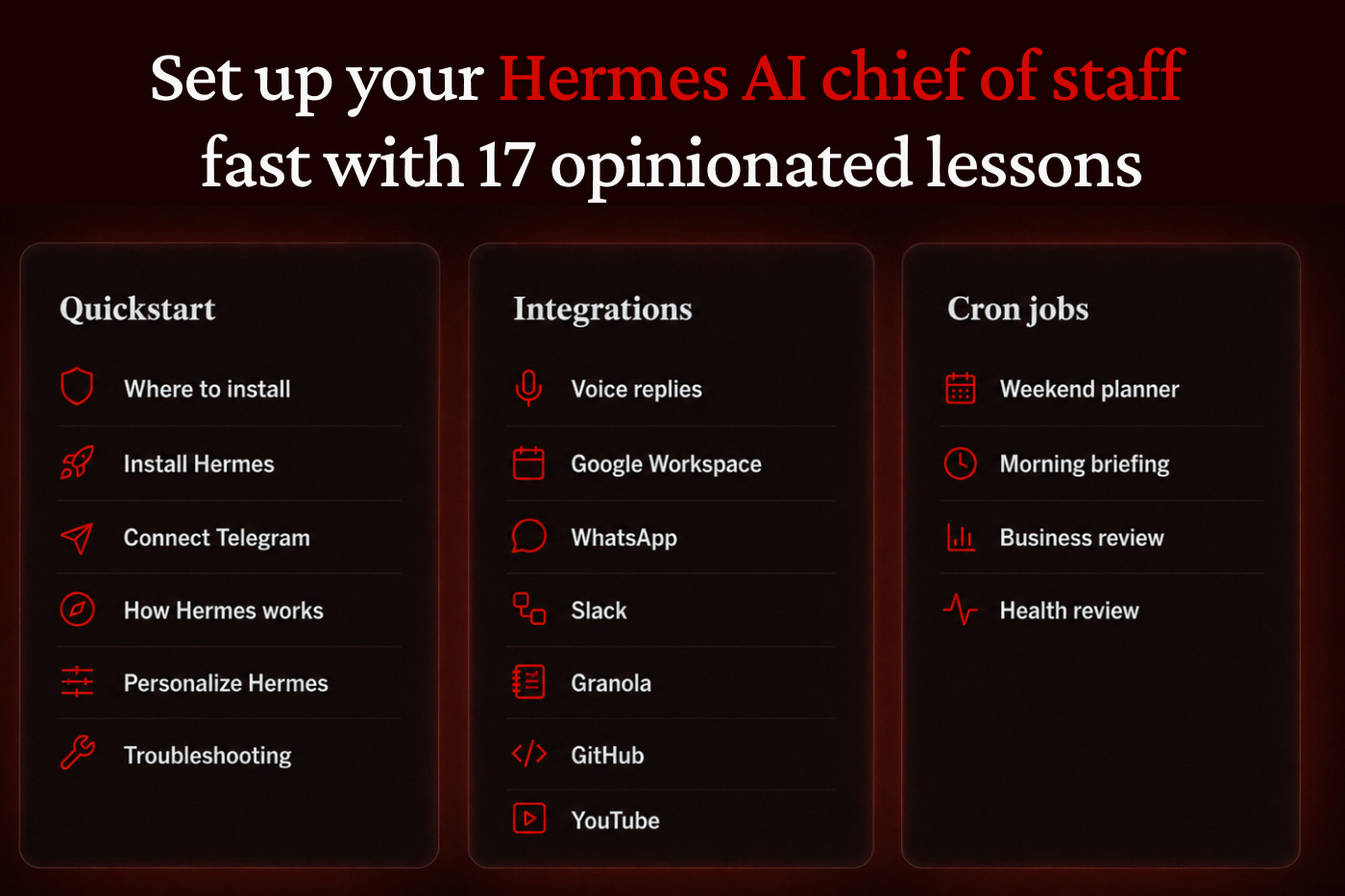
Hermes is, in my opinion, the best AI chief of staff available today. It’s reliable, free to use (you just need a $20 ChatGPT subscription), and very powerful.
That’s why I spent 20+ hours writing 17 opinionated lessons covering three tracks:
Quickstart: Get Hermes running in less than 30 minutes.
Integrations: Let Hermes work in your favorite apps (e.g., email, calendar, docs).
Cron jobs: Set up morning briefings, health checks, business reports, and more.
Here’s what each track covers.
Quickstart: Get Hermes running in less than 30 minutes
Learn how to install Hermes safely, connect it to your phone via Telegram, and personalize it to be yours by editing its user and soul files.
This track covers:
Where to install: Set up Hermes on your laptop, Mac Mini, or virtual server.
Install Hermes: Download the desktop app and pick your AI model.
Connect Telegram: Create your bot and chat with Hermes from your phone.
How Hermes works: A beginner-friendly guide to memory, tools, and more.
Personalize Hermes: Edit its user and soul files to make it genuinely useful.
Troubleshooting: My two favorite ways to fix Hermes if you get stuck.
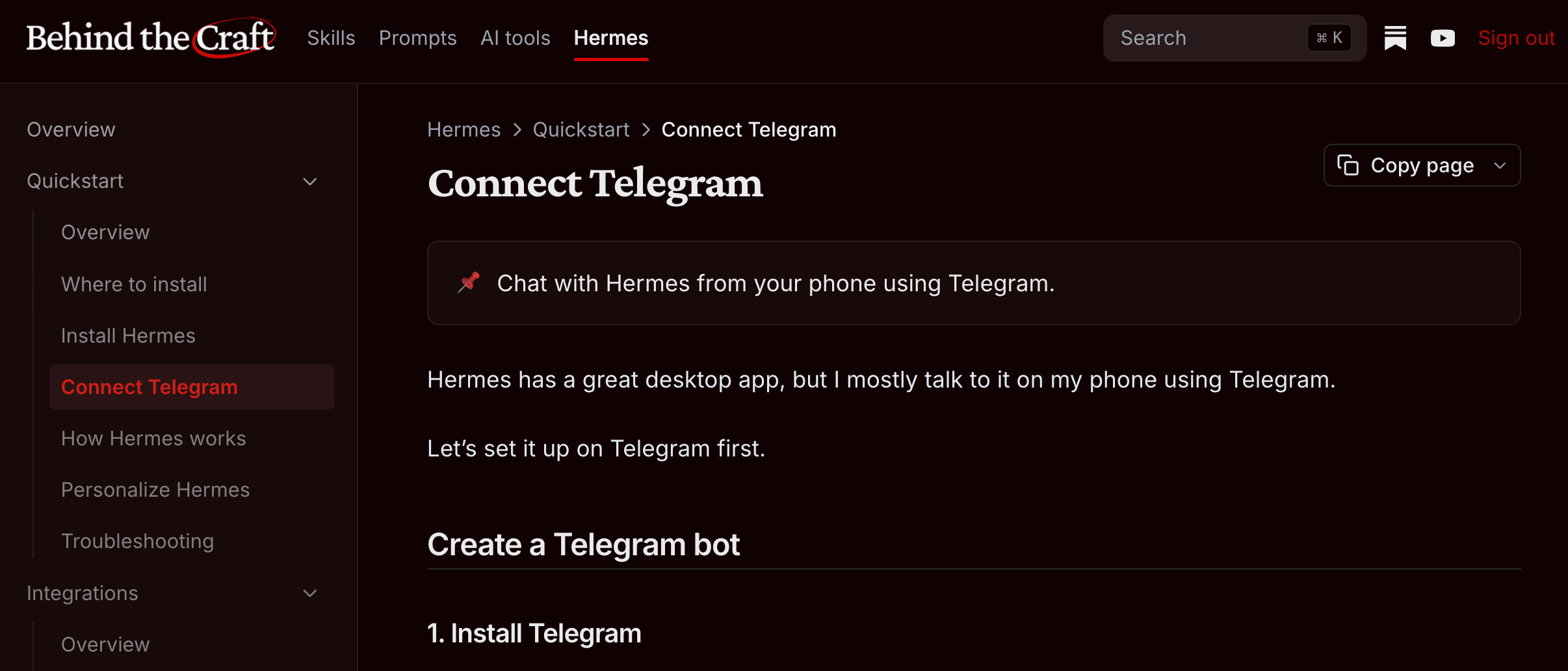
Integrations: Connect the apps you already use
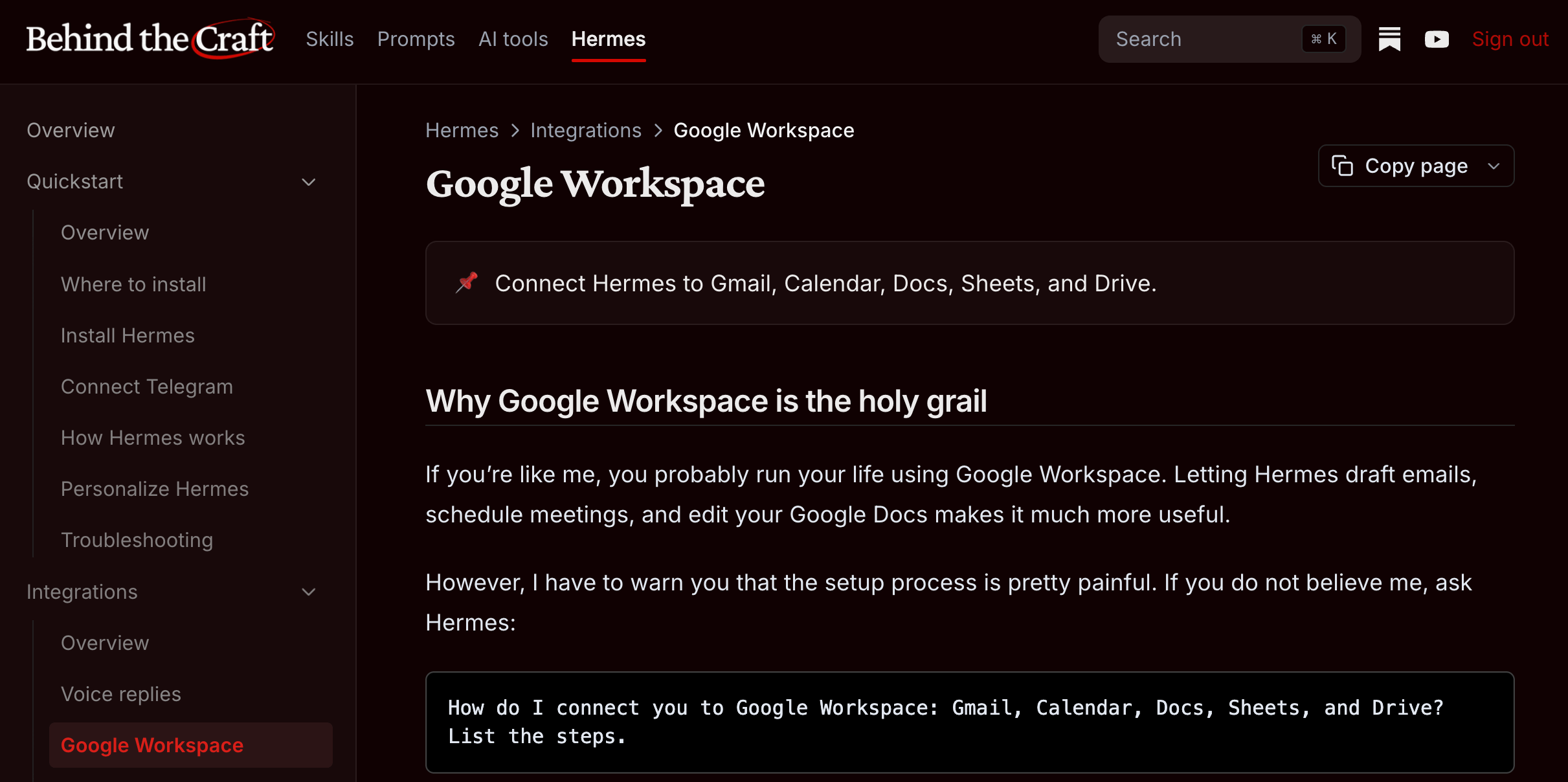
Integrations are what make Hermes more useful than a chatbot. Start with voice replies and Google Workspace, which I think are must-haves. Then consider linking Granola for meetings, GitHub for backups, YouTube for research, and more.
This track covers:
Voice replies: Talk to Hermes while on the go.
Google Workspace: Connect Gmail, Calendar, Docs, Sheets, and Drive.
WhatsApp: Use Hermes from WhatsApp with a second phone number.
Slack: Add Hermes to Slack for threaded discussions.
Granola: Let Hermes analyze your meeting notes.
GitHub: Back up Hermes and let it work with your repos.
YouTube: Let Hermes summarize videos and research for you.
Cron jobs: make Hermes proactive
Last but not least, cron jobs (or scheduled routines) let Hermes do work for you proactively. I cover how to set up my favorite cron jobs including:
Weekend planner: Find fun, time-sensitive family activities for the weekend.
Morning briefing: A daily check of your email, calendar, and more.
Business review: A weekly insights email with your financials and more.
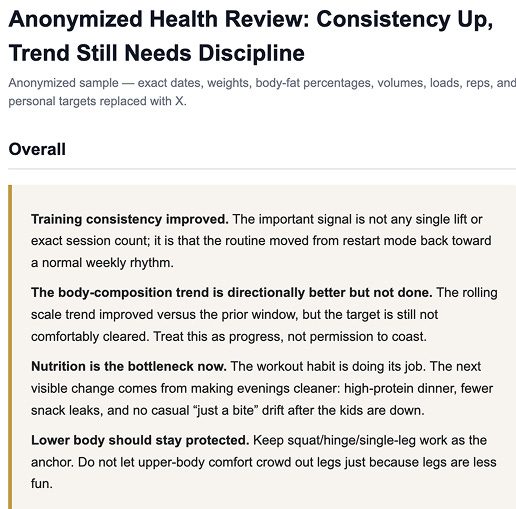
Health check: A weekly review with your weight, workouts, and more.
My goal is to create the most practical AI membership online
With today’s update, paid subscribers can now access all of the following on the Behind the Craft membership portal:
12+ skills and 20+ prompts handcrafted for personal, product, and creator work.
17 lessons on setting up your AI chief of staff with Hermes.
Full Codex and Claude Code courses coming later this year.
We’ve also started hosting monthly expert-led live AI workshops in our AI Slack community, starting with my walkthrough of my Codex setup last Friday.
Again, I’ve made the full 45-minute walkthrough free on YouTube to make it easy for you to set up Hermes. If you’d like the written course, my AI skills, live workshops, and upcoming Codex and Claude Code courses, consider upgrading to paid.
Thanks!
Peter
Just set this up last night, thank you!