


Dear subscribers,
Today, I want to show you how to build a beautiful mobile app to track your workouts.
Building a mobile app used to require a team of engineers. But AI tools like Claude Code and Pencil have made it easy for you to ship a beautiful app by yourself even if you don’t know how to code.
Watch my tutorial to see me walk through how to do this in just 16 minutes.
Timestamps:
(0:00) What we'll build: A beautiful mobile app to track your workouts
(2:01) Step 1: Define requirements with Claude
(6:11) Step 2: Create designs with Pencil
(8:56) Step 3: Build the app with Claude Code
(14:21) Getting the app on the App Store
(15:19) Recap of all 3 steps
Watch now on YouTube or read the written guide below.
I’m proud to partner with…Granola

Granola just launched Spaces — a new way for your team to organize and share meeting notes with each other. For example, you can create a “User Calls” space with your interviews to let anyone ask questions about user needs. You can even ask questions directly in Claude, ChatGPT, or Gemini with Granola’s new APIs and MCP.
What we’ll build: A mobile app to track your workouts
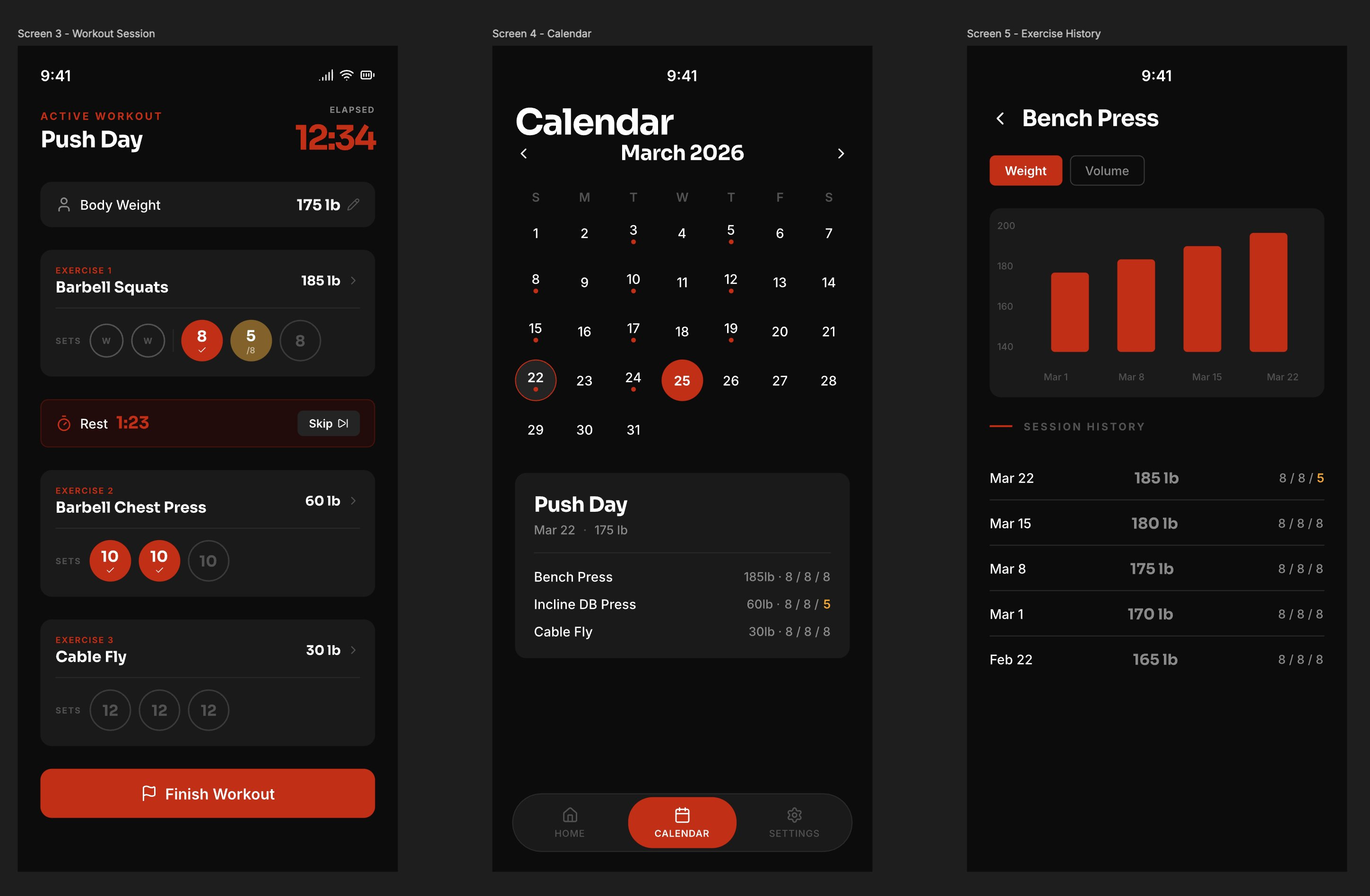
We live in a time where it’s easier to vibe code your own mobile app than to find an existing one that you like. So let’s build an app that can:
Create workouts by selecting an exercise and then the number of sets and reps.
Track workouts live by tapping each exercise set to complete it.
Measure progress via a calendar and charts for each exercise.
I’ll walk you through how to build it in 3 steps below.
1. Define the requirements with Claude
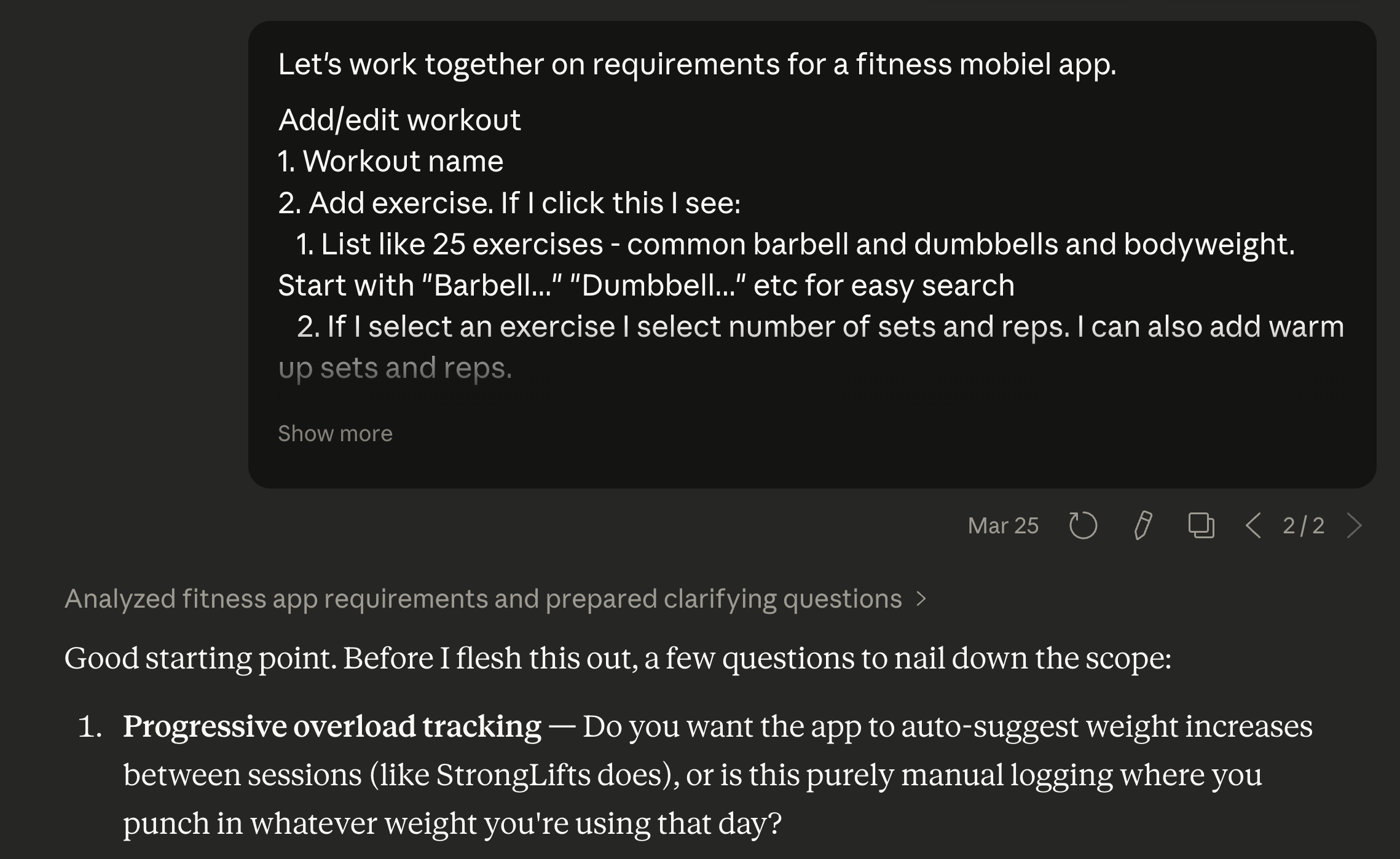
Let’s start by pasting this prompt into Claude:
Let’s work together on requirements for a mobile fitness app. I want three screens:
Add/edit workouts: Create workouts and add exercises with sets and reps
Workout session: Track workouts in real-time, tap to complete sets
Calendar: See which days you worked out and view workout details
This is the basics, but let’s work on the spec together. I want you to stay crisp on the requirements, and if you have any questions, ask them in a numbered list.
The most important part of this prompt is
“If you have any questions, ask them in a numbered list.”
I always include this line when discussing requirements with Claude so that it can ask me questions to make the spec better. Here are a few example questions and answers:
Claude: Do you want a rest timer?
Me: Yes, also let me customize it in settings.Claude: Do you want automatic deload after failed sets?
Me: No, let’s keep it simple.
After Claude gets the spec to a state that you’re happy with, ask it to:
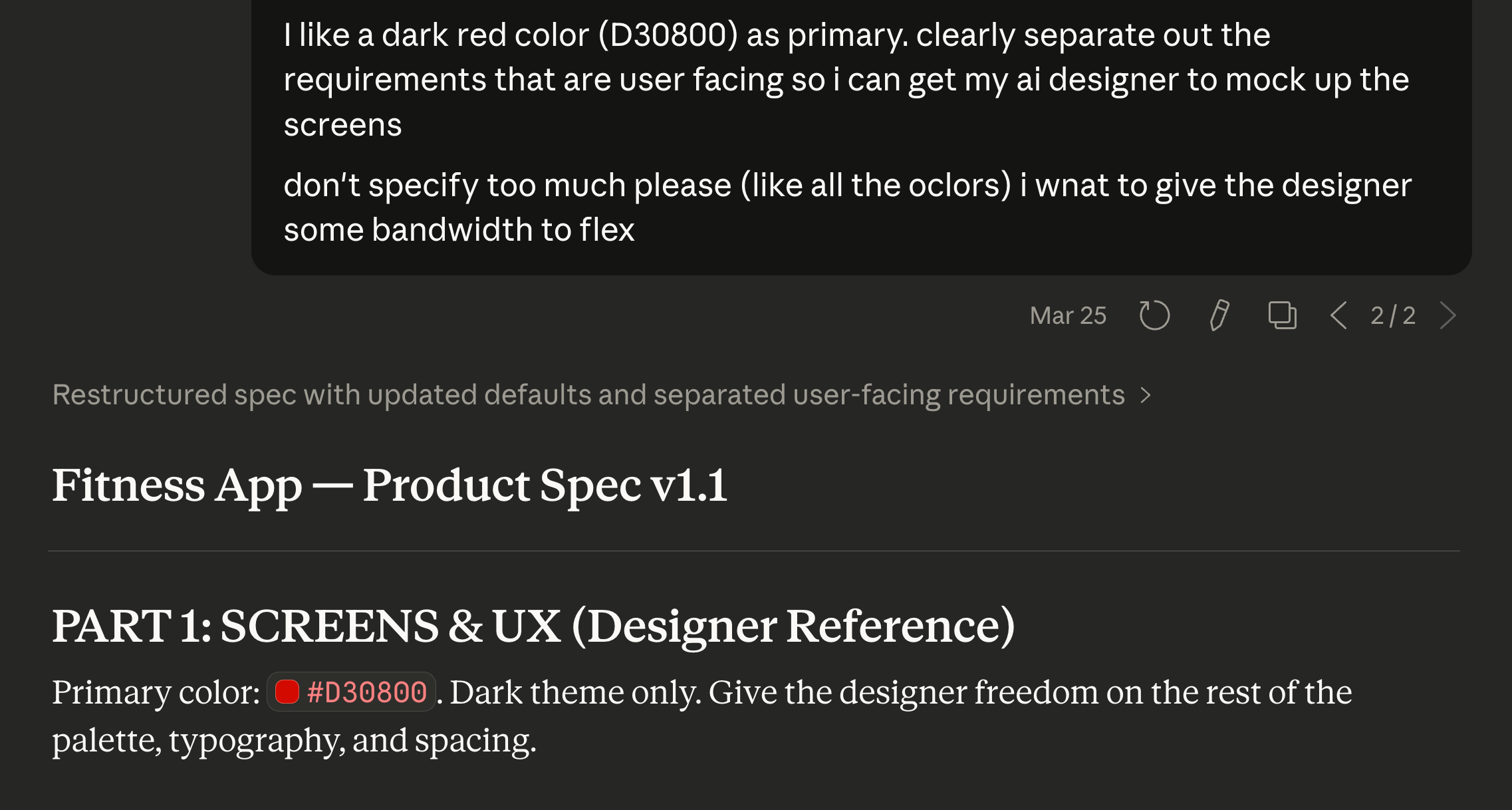
“Split the spec into design and technical requirements. Don’t be too detailed on the design requirements so that it has room to flex.”
Include the last line because Pencil (our AI designer) is better at design than Claude. 🙂 Let’s cover that next.
2. Design the mobile screens with Pencil
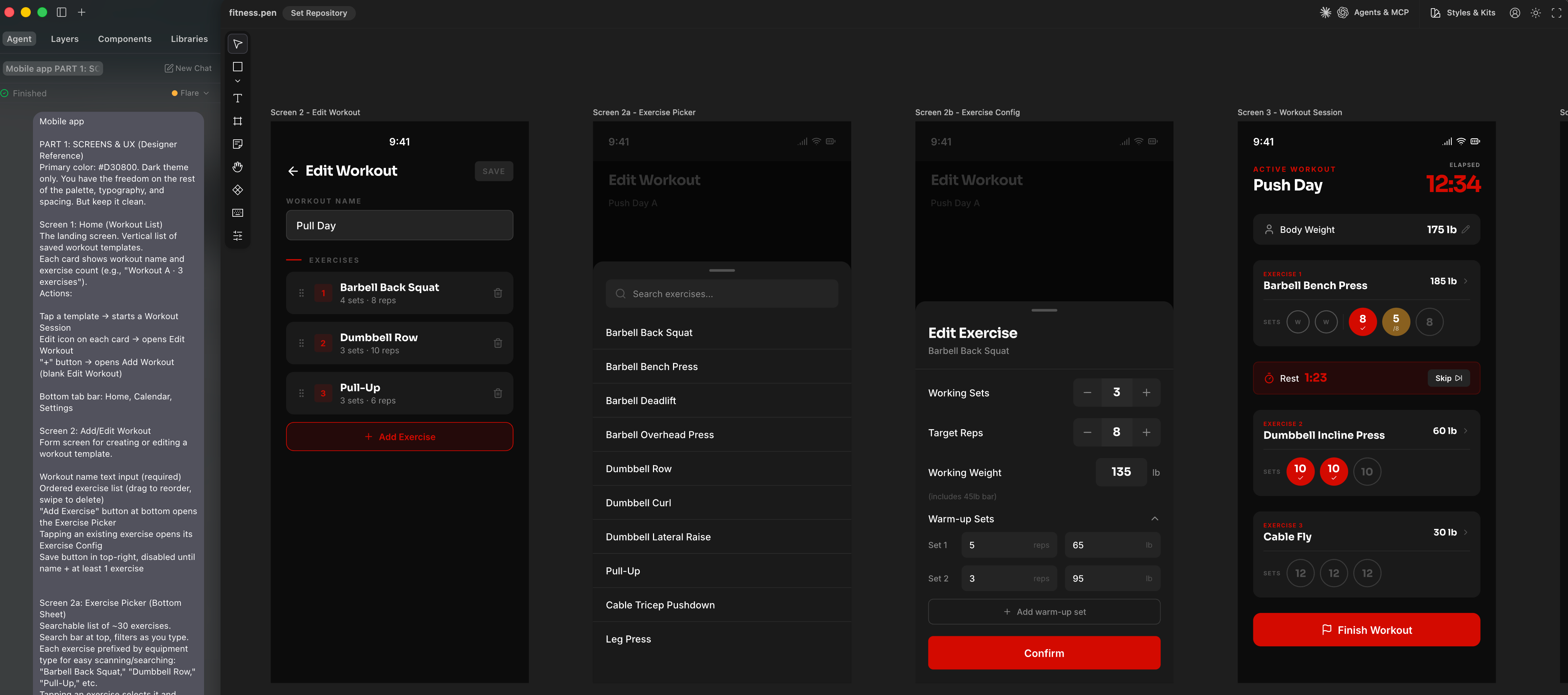
This is where the magic happens. Here’s how to use Pencil to create beautifully crafted mobile screens instead of AI slop: