


Dear subscribers,
Today, I want to share my six-step process to design and build Tastemaker, a website for sharing your favorite movies, TV shows, and games.
You’ll learn how to define the problem, create a design.md, prototype in Claude Design, draft an interactive HTML spec, and build the app with AI.
Watch my 25-minute tutorial to see me cover all six steps live, or keep reading below.
Timestamps:
(00:00) My six-step AI-native design process
(00:50) Step 1: Define the user problem before building
(02:25) Step 2: Get inspired and create a design.md
(05:00) Step 3: Prototype key screens in Claude Design
(12:59) Step 4: Create an HTML spec for product, design, and tech
(17:02) Step 5: Design the core flows, default states, and edge cases
(20:42) Step 6: Build the app with Claude Code
(23:07) Recap: Why planning should take at least half your time
I’m proud to partner with Replit

Replit is now available inside Claude Design, so you can design beautiful apps and send them directly to Replit to build. To try it, simply select Share in Claude Design, open the Send to… menu, and choose Replit. Get 3 months of Replit free with code PYANG26 at checkout.
1. Define the user problem
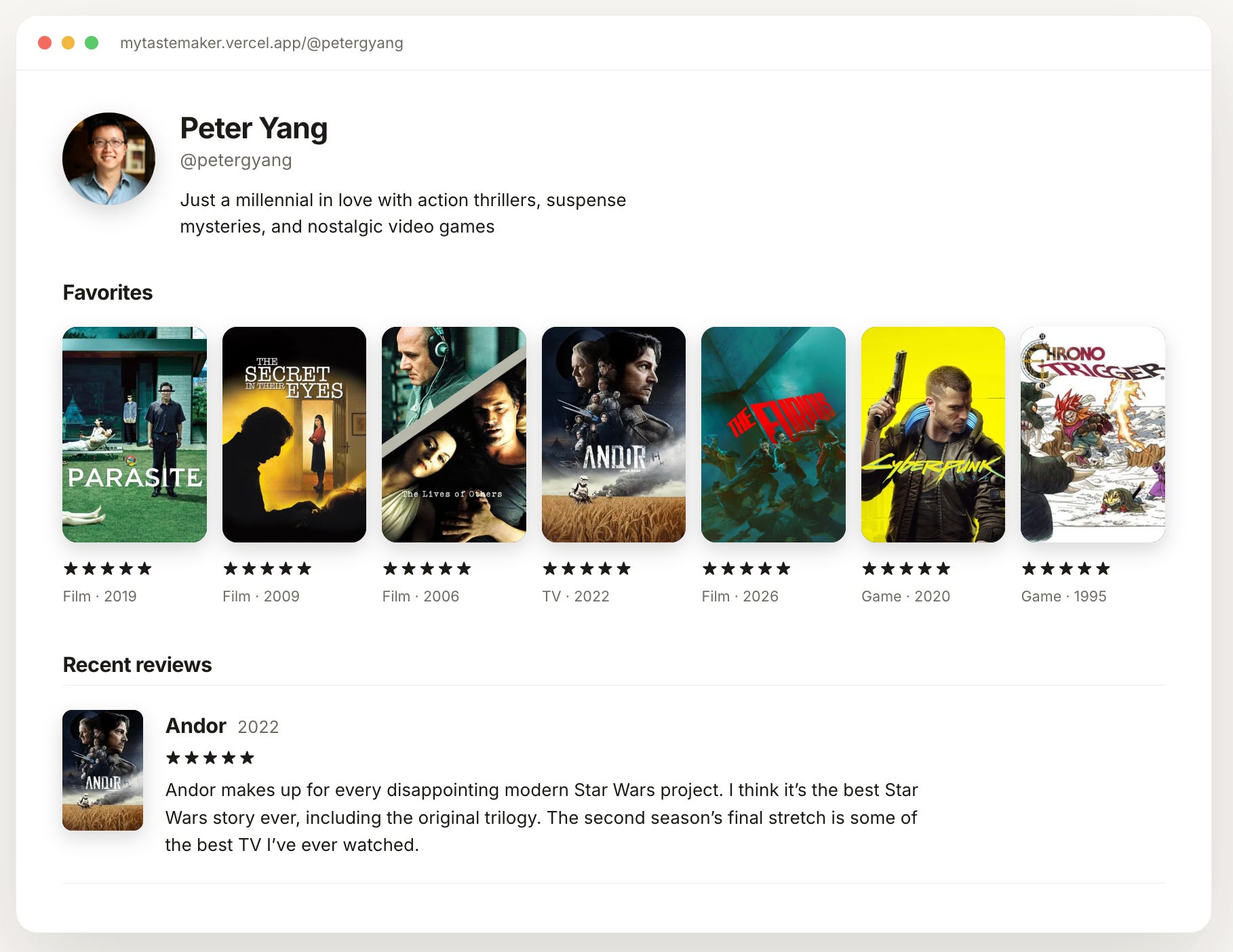
I’ve watched thousands of movies and TV shows and played hundreds of video games over the years. But IMDb isn’t a great interface and Letterboxd doesn’t support games.
That’s why I decided to build Tastemaker to share my favorite movies, shows, and games all on one page. To kick off the project, I asked Claude Code to research and define the user problem with this prompt:
/spec I’m a huge fan of movies, TV shows, and games, and I want one page that shows what I love across all three. Can you define the user problem, who this is for, and any evidence online that this problem exists?
Here’s the problem statement Claude came up with:
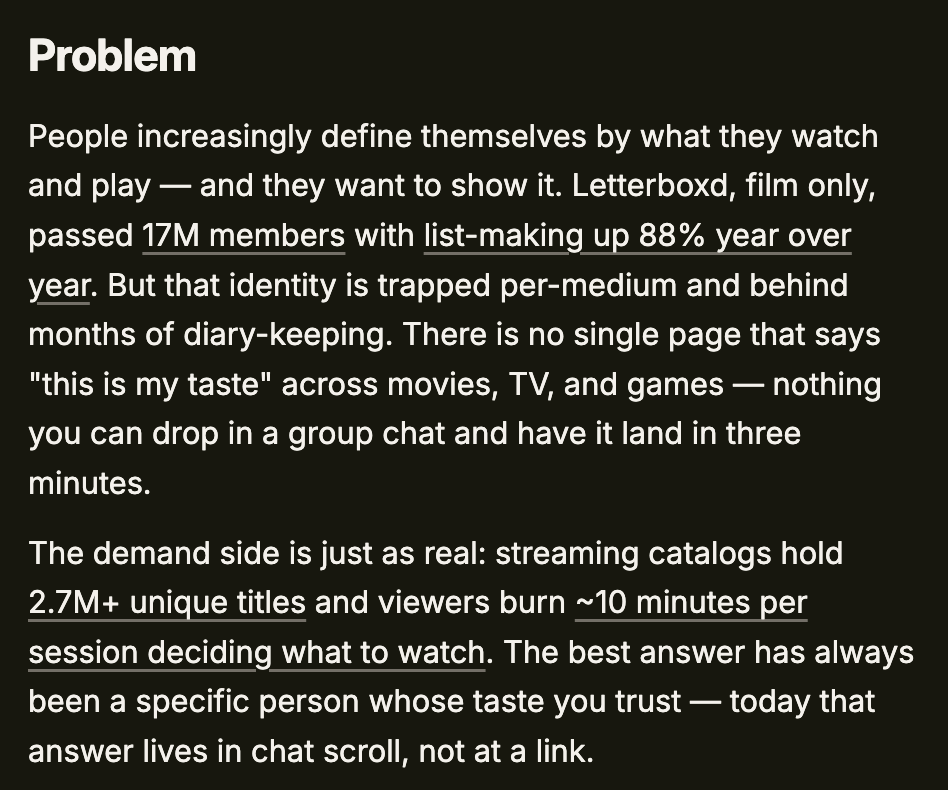
Note how Claude used my spec skill to find real evidence that other people share the same problem. Of course, if I wanted to turn this into a real business, I would spend more time upfront talking to users to validate the opportunity. But since I’m building this as a personal app, let’s move on to step 2.
Get my /spec skill by upgrading to a paid membership
The last skill that I open-sourced, /no-ai-slop, went viral with 3.1K GitHub stars. I’m just as proud of my /spec skill that I use throughout this tutorial. It creates an HTML spec with the product, design, and tech requirements all in one place. Get it, along with 12+ other hand-crafted skills, by upgrading to a paid membership.
2. Get inspired and create a design.md
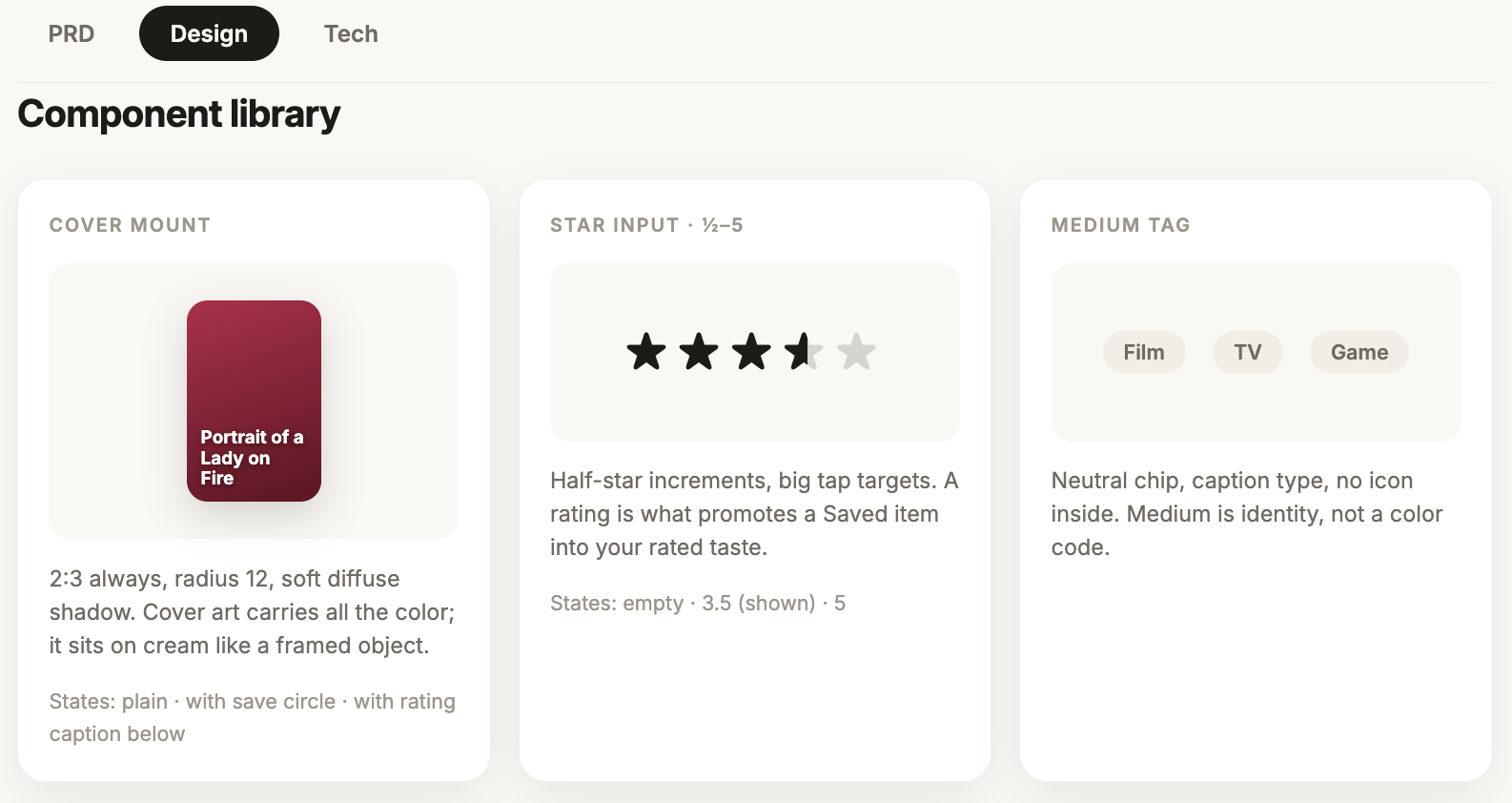
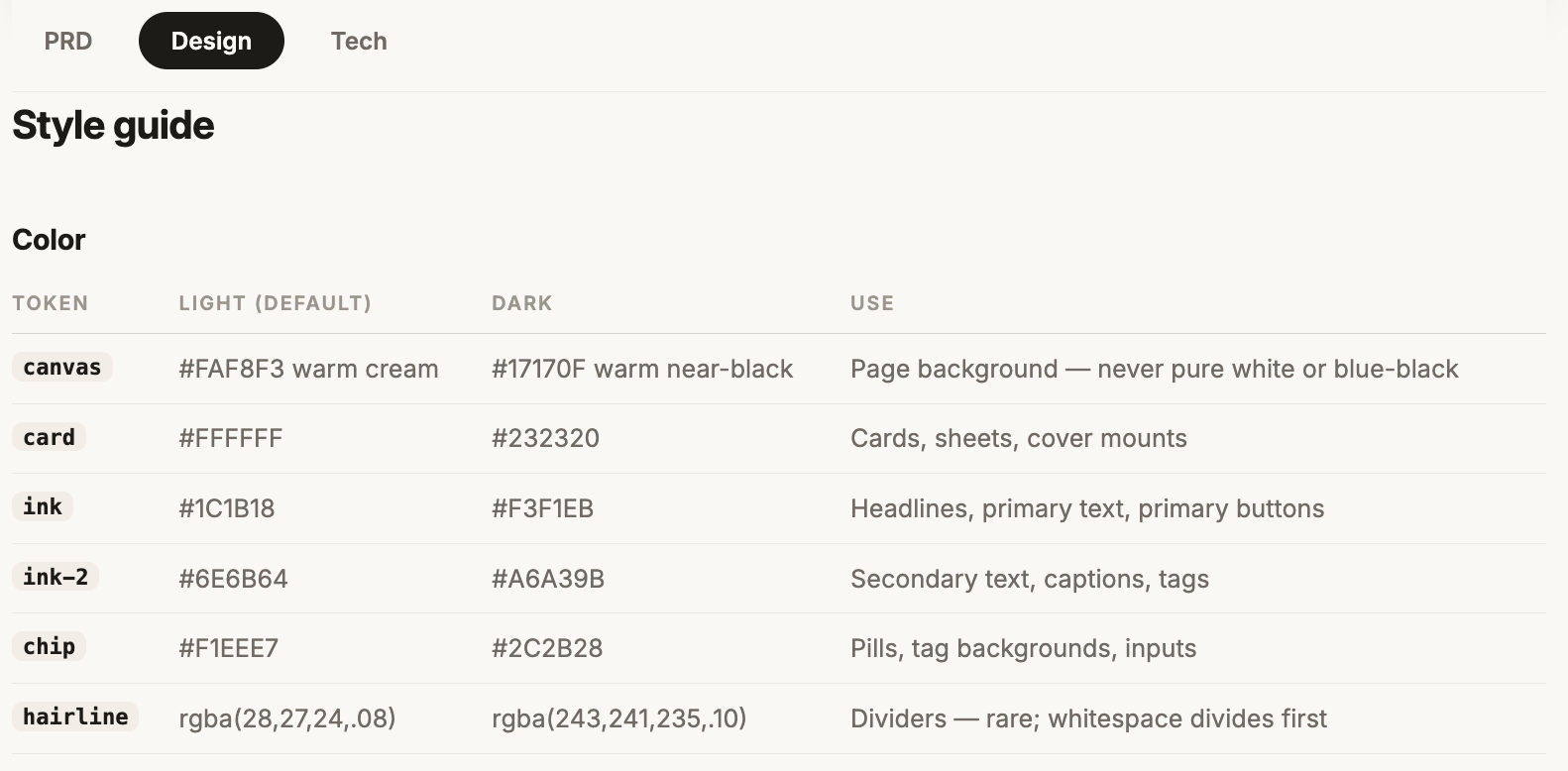
A design.md is simply a text file with guidelines for color, typography, spacing, and more. It’s a necessary step to avoid AI generating designs that have that recognizable Claude look.
To create a design.md, I like to start by finding inspiration. Recently, I came across a beautiful app called Monogram and love how it uses color to focus people on the content instead of the UI:
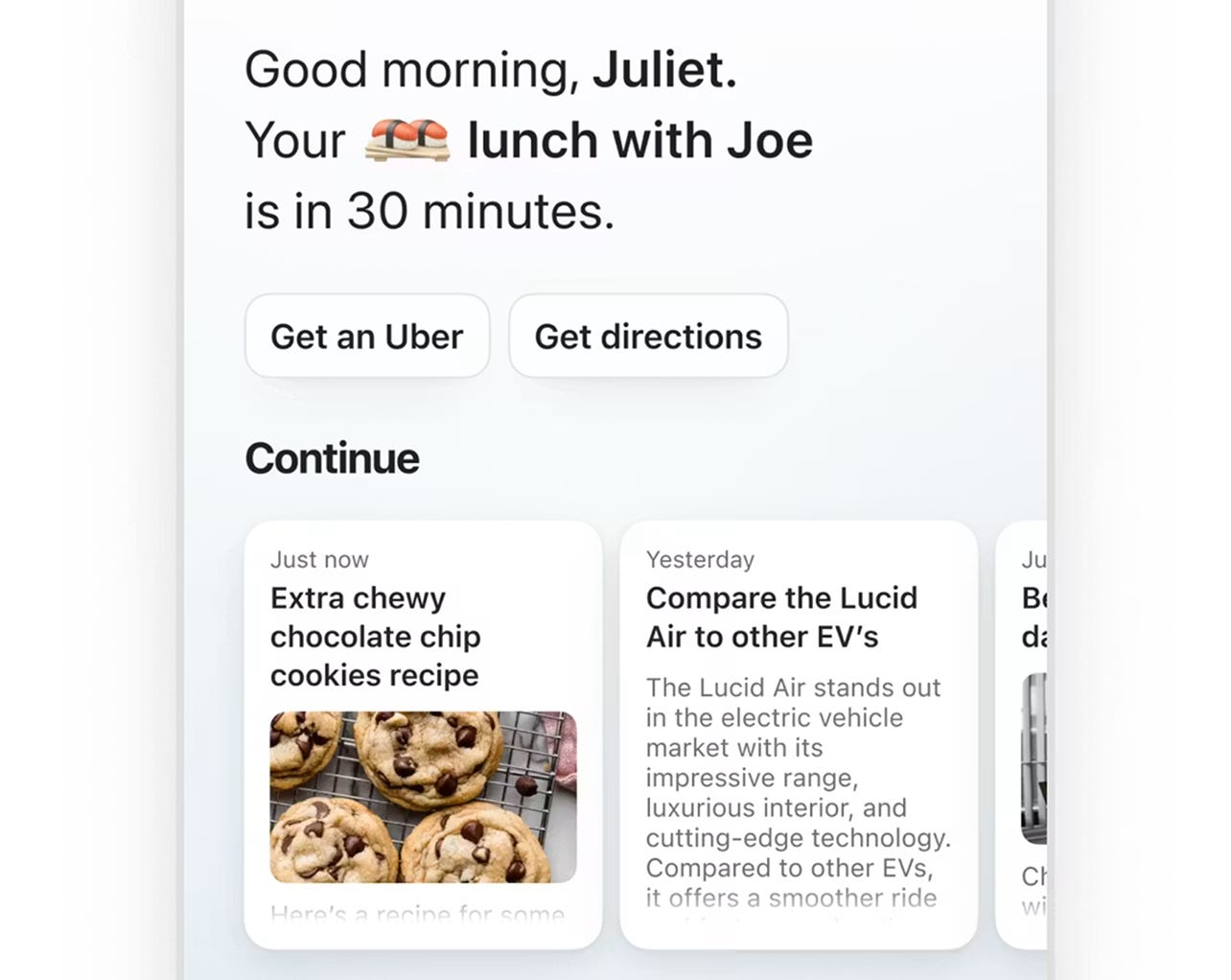
I copied a few of Monogram’s screens into Claude along with this prompt to create the design.md for Tastemaker:
Here are a few screens from Monogram that I like. Can you create a design.md for Tastemaker based on this visual direction? Keep the interface quiet and let the cover art carry the color.
Claude will then create a design.md like this:
For more inspiration, you can also check out Mobbin for app screenshots and designmd.sh for design.md files for popular products.
Quick note: Getting inspiration is different from straight-up copying an app.
I feel comfortable borrowing a little from Monogram’s design because Tastemaker is in a completely different product category.
With the design.md ready, let’s move to Claude Design to prototype the product.
3. Prototype key screens in Claude Design
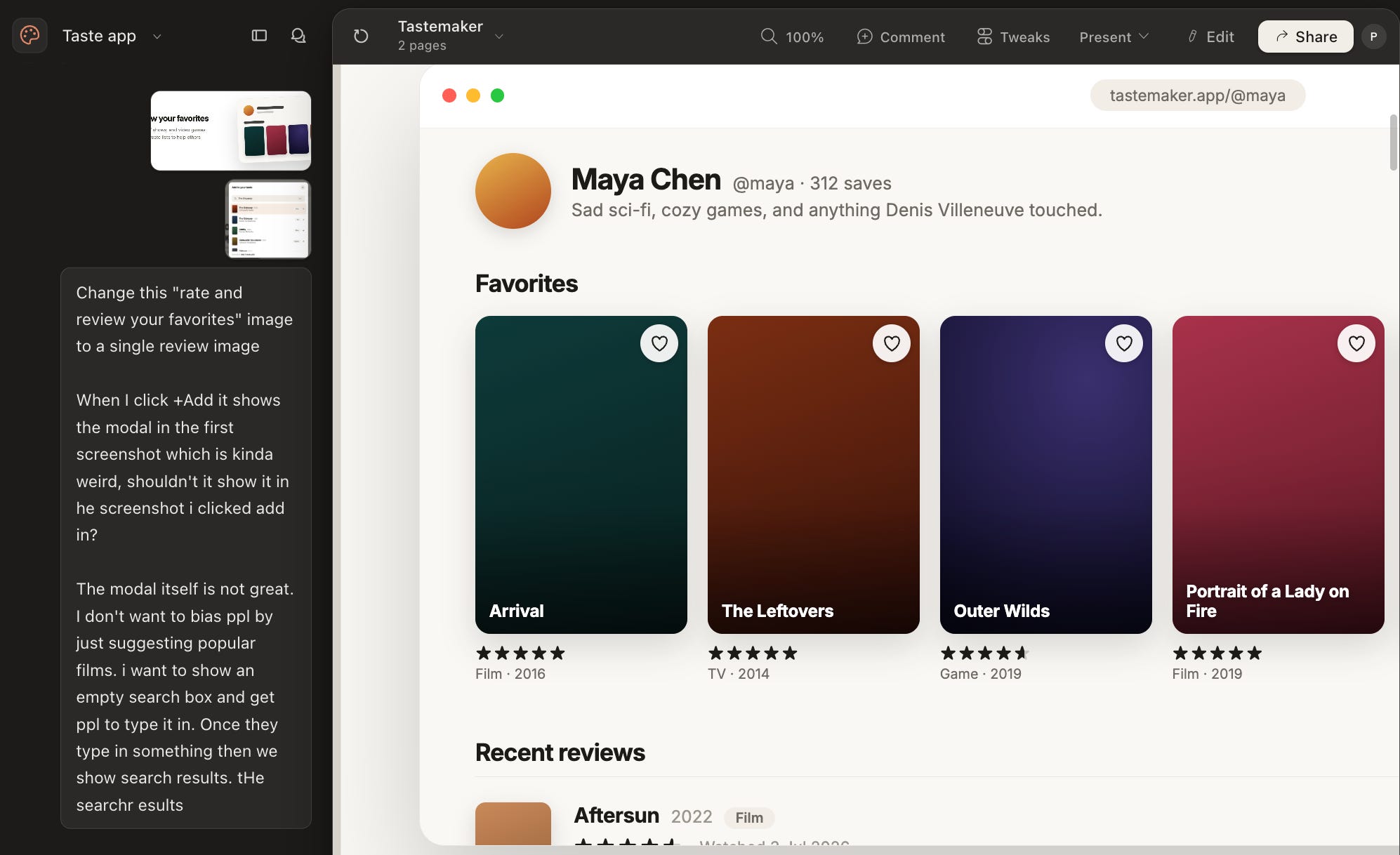
Claude Design is my favorite AI-native design tool because it feels more like working with a design partner than using a tool.
Tip: You don’t need Fable to prototype with Claude Design. I found Opus perfectly up to the task if you want to save tokens.
Here’s the prompt, along with the design.md, to kick off the Claude Design project: