


Dear subscribers,
Google just dropped Gemini 3.1 and updated AI Studio to be full stack. Together, I think they make the best free AI prototyping and vibe coding tool in the market.
I’ve been prototyping with AI Studio for 6 months now and it’s completely changed how I build products at work.
Instead of starting with specs and designs, I now start with prototypes that I can validate with stakeholders and real users in hours.
Watch my tutorial to see how I prototype new features with AI Studio in 5 steps.
Timestamps:
(00:00) Waterfall vs. prototype-first product development
(01:33) What Google AI Studio can build (poker, image gen, games)
(03:08) Step 1: Build a base template for your existing product
(05:43) Step 2: Work with your AI design partner to add a new feature
(10:32) Step 3: Iterate with AI to refine your feature
(13:08) Step 4: Collaborate with others on the prototype
(15:05) Step 5: Turn your prototype into a real product
(16:12) Recap: How to master AI prototyping
Watch now on YouTube or read the written guide below.
I’m proud to partner with…Linear

I’ve been talking to many AI-native companies and the way they build is just completely different. Instead of doing manual work, their best employees focus on delegating work to AI agents by giving them the right context and feedback loops.
Linear is built for the best teams to onboard and work with AI agents. It provides transparency on what agents like Cursor and Codex are working on and gives them context automatically from Slack, support tickets, and your codebase.
P.S., I’m hiring a Senior PM for Creator Hub at Roblox — the platform millions of creators use to build and grow their games. If you have 7+ years of PM experience (especially in creator/gaming) and a “get shit done” mindset, apply here.
Why prototypes > waterfalls
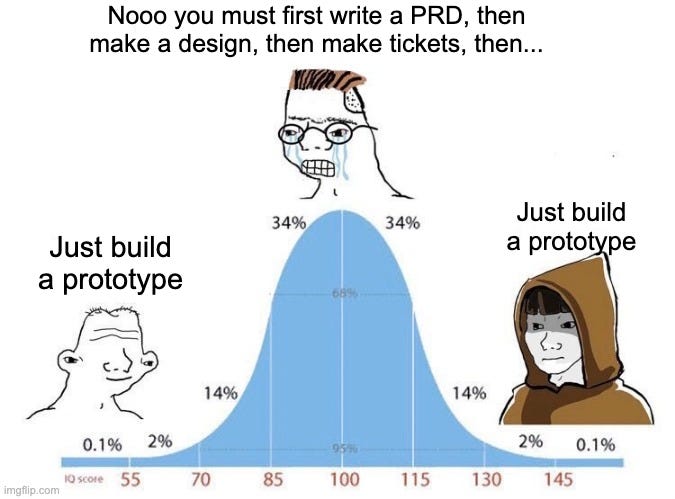
Here’s the difference between waterfall and prototype-led development:
Waterfall is when you start with a spec, the designer makes a design, and then you hand everything off to engineering. By the time you get feedback, you’ve already invested weeks.
Prototype-led is when you start with a prototype that you iterate on with your team and real users. Once you validate your idea with the prototype, then you create the spec and design.
The key difference is:
Going prototype-led helps you get to the truth of what users want much faster.
One caveat: I said prototype-led, not prototype-only. For complex products, you should still create a PRD and design to capture the milestones and edge cases. For simpler features, you can go straight from prototype to real product.
Let me show you how.
What we’ll build
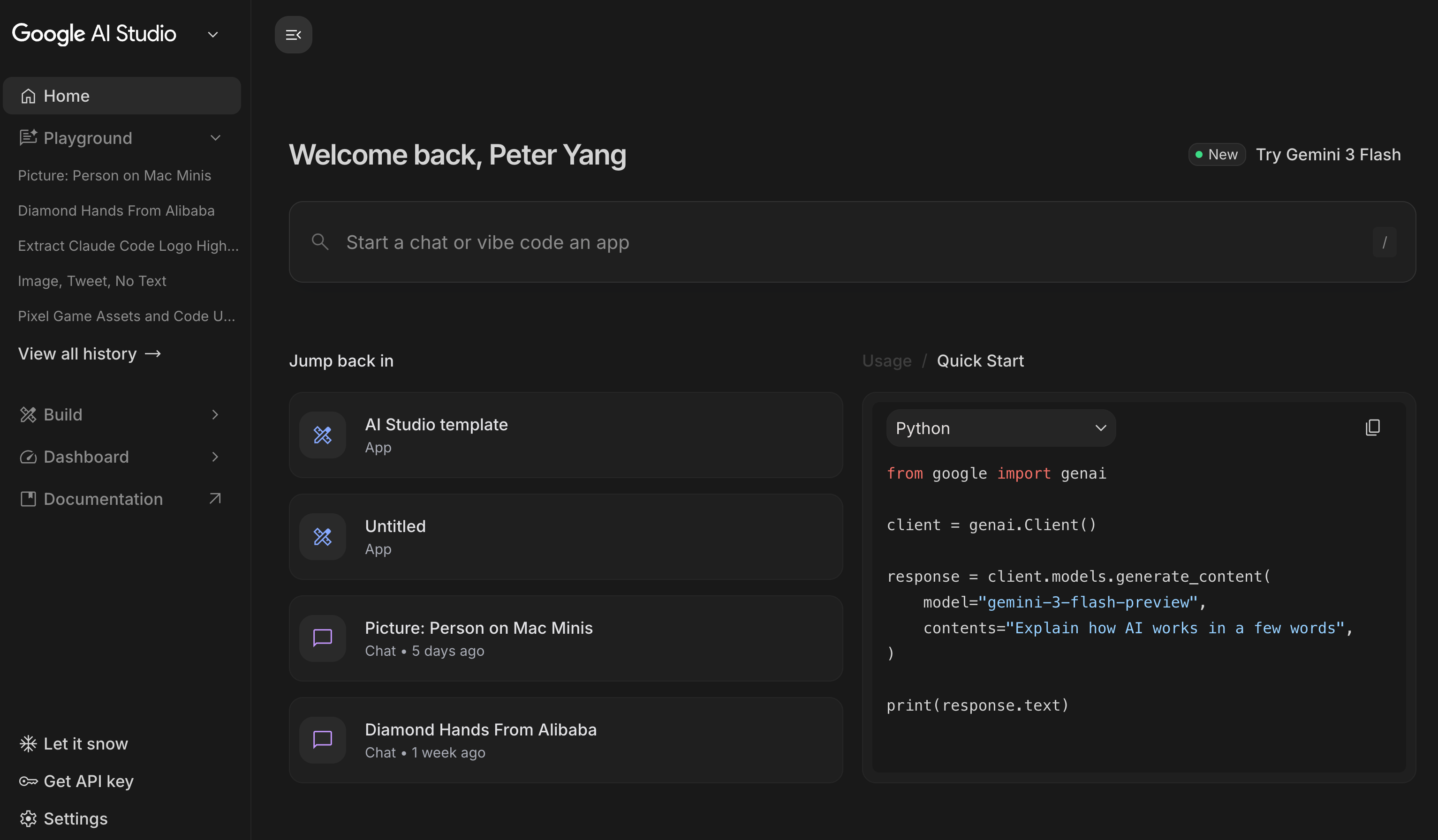
For this tutorial, let’s be meta and prototype a new feature for Google AI Studio itself.
I love Google AI Studio because it's fast, free, and integrates with Google APIs like Nano Banana directly.
However, I think AI Studio’s interface is way too busy. There are too many buttons and toggles. So let’s prototype a simplified AI Studio by following the 5 steps below.
1. Build the base template
Let’s start by taking some screenshots of Google AI Studio’s Home and Build screens and asking AI:
Replicate these screens as closely as possible. Try to match the styles and colors and make it interactive.
Google AI Studio will now build a working replica of its own interface. Save it as “Google AI Studio template” and clone it before making changes.
This way, you can easily start over from what’s live in the product today if things go wrong. Anyone on your team can also clone the prototype off the same base.
2. Prototype the feature
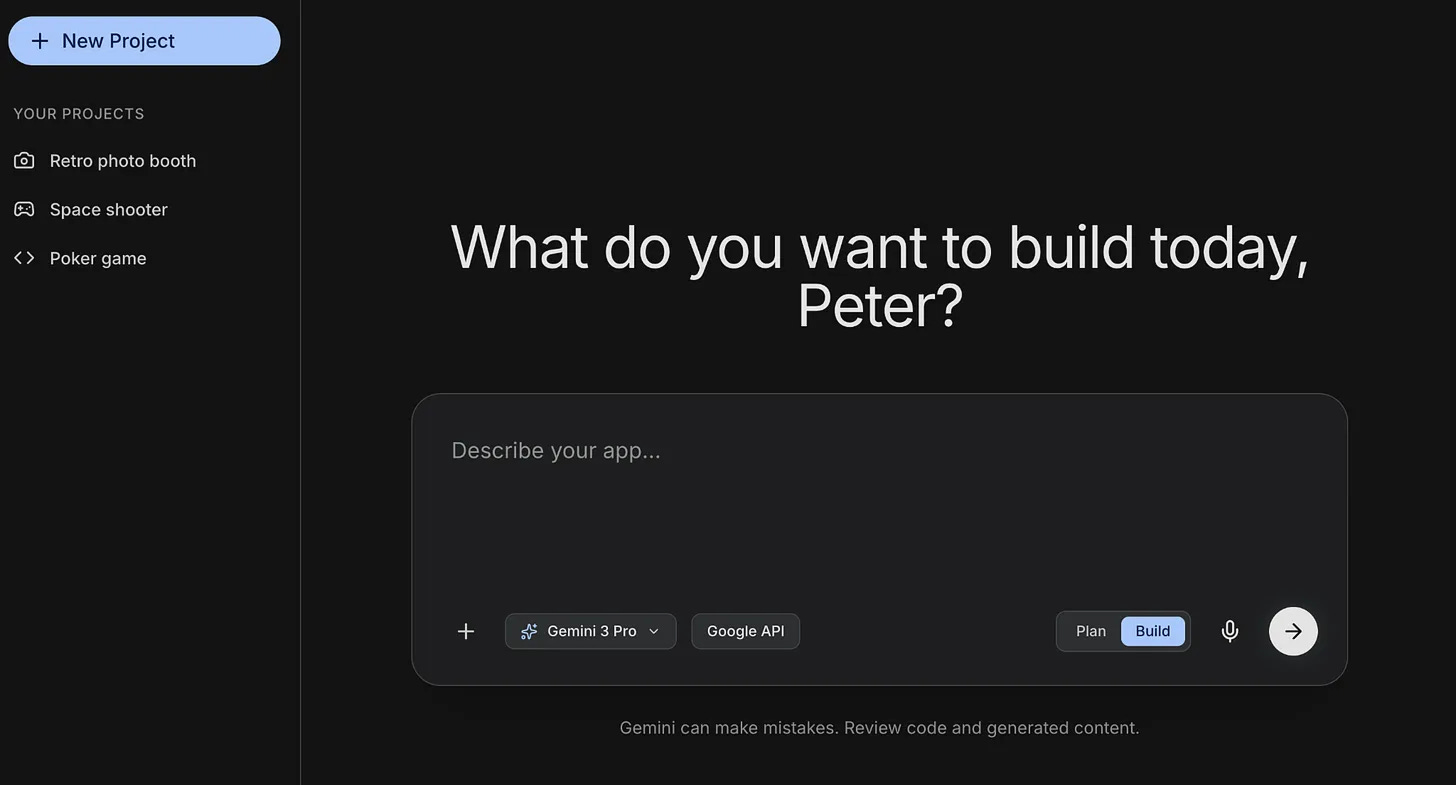
Now let’s simplify Google AI Studio’s UX. First, we need to decide what to simplify.
Let’s create a Gemini Gem called “UX designer” and set it up as follows:
Ask AI: “Give me a prompt to make you an experienced UX designer. I want you to work with me to simplify the UX for Google AI Studio.”
Paste the prompt that AI generates into the Gem and share some screenshots of Google AI Studio.
Now, let’s ask the Gem:
I want to redesign Google AI Studio’s interface to be much simpler. Check out the attached images and list the top 5 things to simplify. Ask me any questions first.
Gemini will ask you a few questions and come up with a list. I also did some research on Reddit and the top request is to have project folders just like Codex.
With this research in hand, let’s ask AI to update our prototype with this prompt: