


If you enjoy my content, subscribe to my YouTube for more practical AI tutorials and interviews and upgrade to unlock my personal AI OS with useful AI skills, $270 in AI tool credits, live monthly workshops, and courses on Hermes and Codex (coming soon).
Dear subscribers,
Today, I want to share a new episode with Rohan Varma.
As a product manager on OpenAI Codex, Rohan has a firsthand look at how one of the most AI-native teams in the world works. He showed me how he uses Codex to automate work from Slack replies, prototype designs with image generation, replace stale PRDs with live sites, and more. Watch this episode if you’re tired of all the nonsense around “AI PM” and want to see how a real one actually operates.
Watch now on YouTube, Apple, and Spotify.
Rohan and I talked about:
(00:00) Codex can do so much more than you think
(01:53) Use Codex to pull context from Slack, docs, Linear, and email
(03:28) How Codex flips planning from docs to demos
(13:14) Demo: Do the task once with Codex, then automate it
(14:30) Demo: Trigger Codex automations from Slack replies
(17:26) Demo: Use Image Gen to explore design variants fast
(19:58) Demo: Turn any Codex thread into a reusable skill
(29:55) Demo: Turn project context into a shareable Site
(33:33) Use one Codex thread to manage other Codex threads
(37:18) Aim to be 10x more ambitious than feels reasonable
I’m proud to partner with Oceans Talent
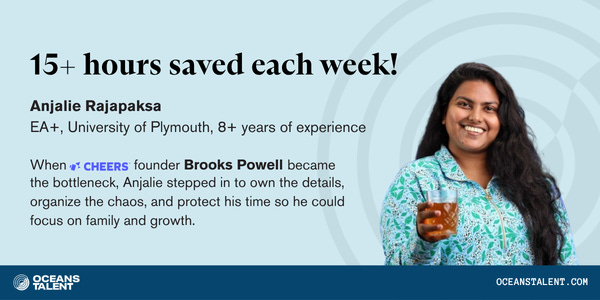
I’ve been working with my Oceans Talent Executive Assistant for 3 months now and he’s helped me streamline my entire content pipeline from research to podcast post-production. He builds his own AI skills to save both of us hours every week. He’s more than an assistant and runs the whole system.
Oceans Talent places vetted, AI-fluent Executive Assistants who go beyond inbox and calendar, with backgrounds in marketing, operations, and finance so they can run your projects and own outcomes. Book a call today to get your first month free.
Top 10 takeaways I learned from this episode
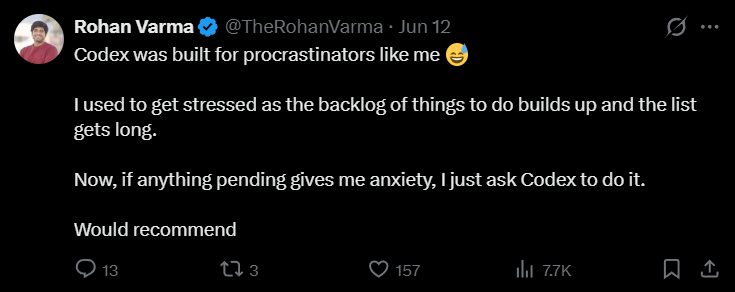
Set up Codex as your work layer
Connect Codex to the tools where your work already happens. Rohan connects Codex to Slack, Notion, Linear, Gmail, Drive, and other tools. The magic starts when it can pull context from multiple connected tools and navigate to webpages that it has permission to access.
Use Codex to get up to speed on any project fast. Rohan said he can get added to a project last minute and quickly catch up by asking Codex to gather the Slack history, docs, Linear issues, email, and Drive context he is allowed to access.
Codex handles the manual work so PMs can spend more time with users. Since Codex can handle the manual PM work around information synthesis and follow-ups, Rohan has more time now to spend meeting enterprise customers and teams.