


Dear subscribers,
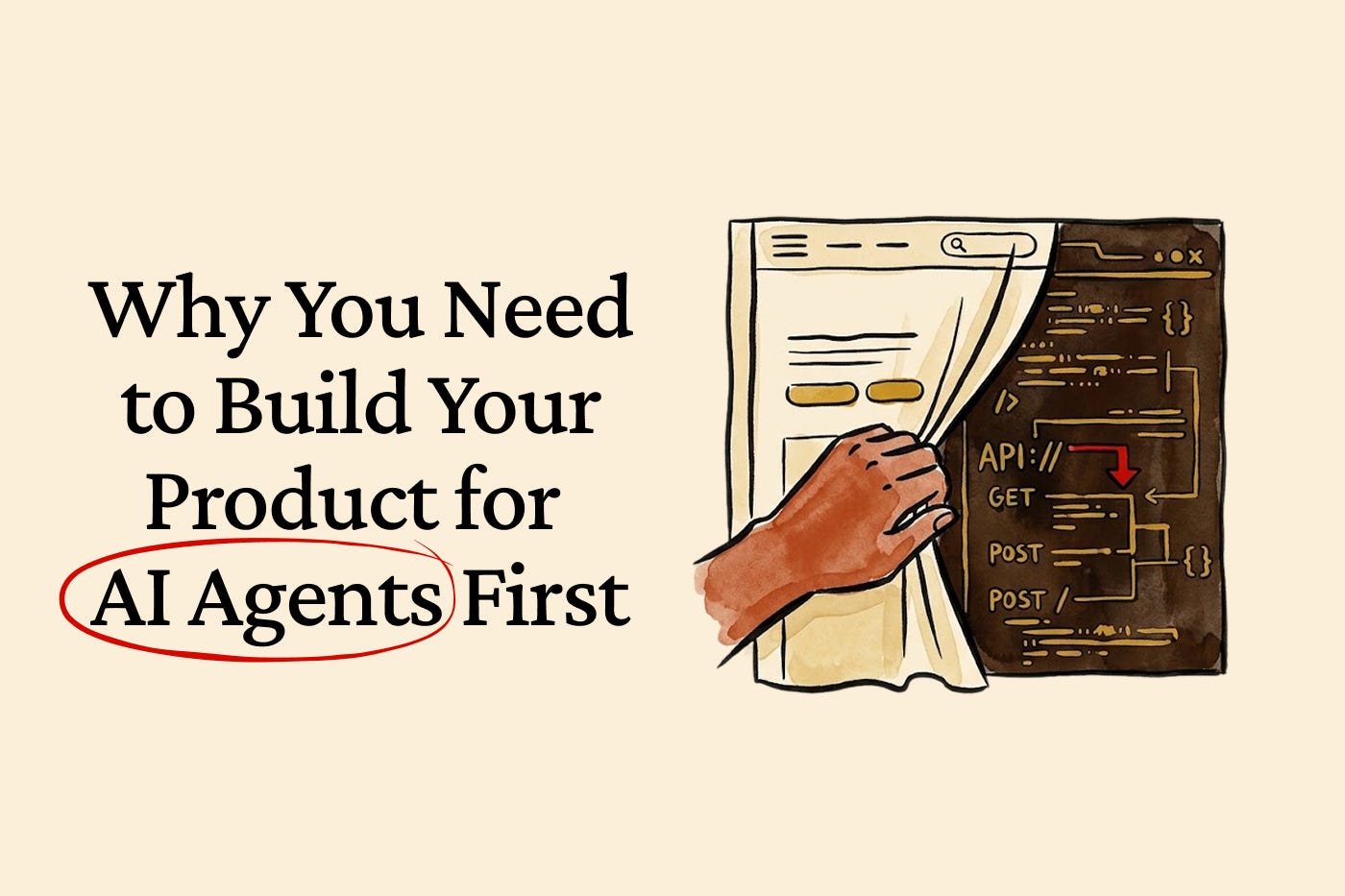
Today, I want to talk about why many products need to be reinvented to be used by AI agents first, humans second. This isn’t an easy post for me to write because:
I’ve spent over a decade obsessing over building great user interfaces. But the “user” in UX is fast becoming an agent instead.
Those pixel-perfect buttons, intuitive nav bars, and carefully placed CTAs that I still obsess over are about to matter a lot less. Let me explain by covering:
Why build for agents first
APIs, skills, and MCPs: A quick primer
5 steps to build for AI agents first
Why human judgment and oversight still matter
What you can do this week
I’m proud to partner with Granola
Your meetings contain some of the most valuable context at your company, and Granola’s MCP lets any AI agent access it.
Simply connect the MCP to Claude, ChatGPT, or Claude Code and your conversations become available wherever you're working. Use it to scaffold features from what was agreed in a meeting, create tickets from standups, or draft product proposals from customer discovery calls.
Why build for agents first

The truth is that using Claude Code and OpenClaw has rewired my brain.
Instead of going to Mercury to check my finances, Linear to manage my to-dos, and Granola to get my meeting summaries, I now just text my OpenClaw AI agent to get these updates. I’ll say stuff like:
“Include my Mercury finances in your monthly email.”
“List my Linear tickets in your morning briefing.”
“What are the top takeaways from my meetings today?”
I see a similar pattern playing out at work:
Your technical docs? People are feeding them to AI and asking questions.
Your 30-page slide deck? People are reading the AI summary instead.
Your beautiful UX? An agent will skip it and interact with your APIs.
AI agents will soon interact with your product first, before the human does.
Peter Steinberger (OpenClaw’s founder) is a great example of agent-first thinking. Some AI influencers looked at his GitHub history and claimed that he built over 40 failed projects before succeeding with OpenClaw:
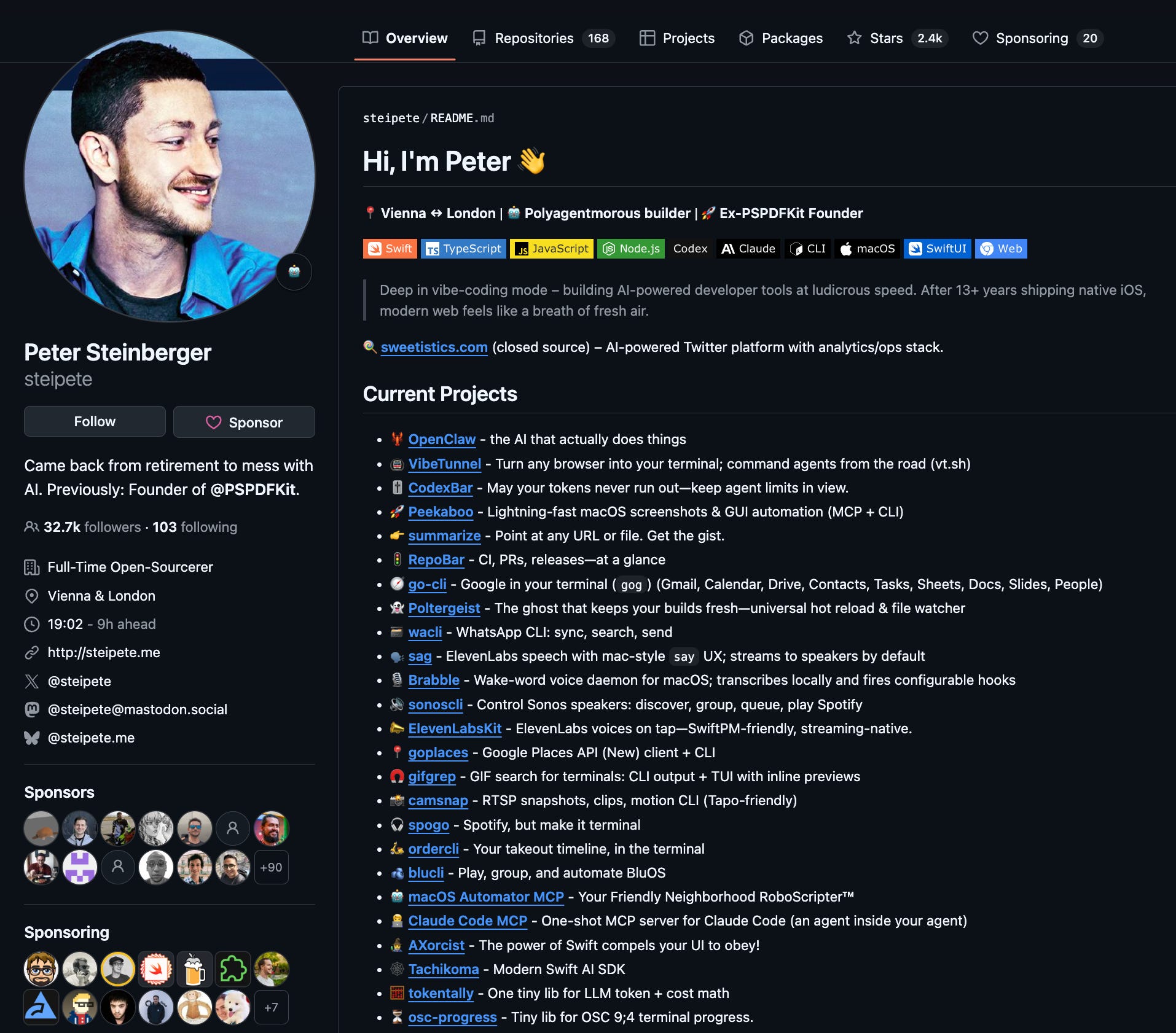
Wrong. He was actually building 40 agent-first command line tools that together make OpenClaw possible. Peter had the conviction to build for agents first before almost anyone else — and that conviction is a big reason why OpenClaw took off.
The best products moving forward will be the easiest for agents to use.
APIs, skills, and MCPs: How they fit together
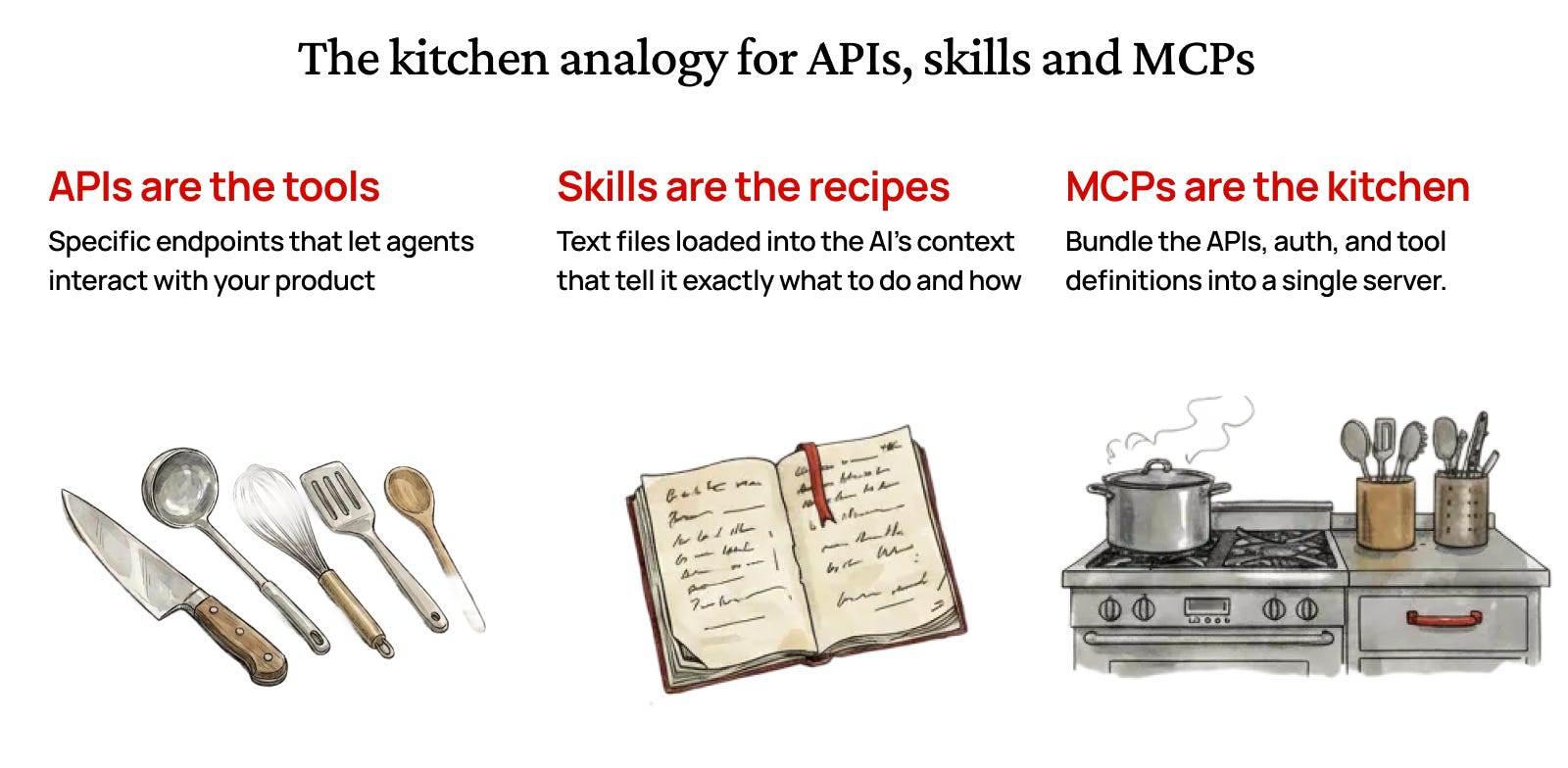
Before we discuss how to make your product agent-friendly, let’s cover the difference between APIs, skills, and MCPs.
Think of APIs, skills, and MCPs like parts of a professional kitchen.
APIs are the kitchen tools — specific endpoints that let agents interact with your product. Slack's API, for example, lets you send messages, list channels, and manage users. Without APIs, there's nothing for agents to work with.
Skills are the recipes — text files loaded into the AI's context that tell it exactly what to do and how. For example: "When the user asks to post in Slack, call the Slack API's “chat.postMessage” endpoint with the channel and message text."
MCPs are the fully equipped kitchen — they bundle the API connection, authentication, and tool definitions into a single server. Slack’s MCP server, for example, exposes tools like “send_message(channel, text)” and “list_channels()” so the AI knows exactly what it can call and how.
Here’s how to think about skills vs. MCPs in practice:
Use skills when you want precise control over your AI’s workflow. Skills keep your context window lean since they’re just plain text instructions. But you (or your AI coding agent) need to write the auth and API call logic yourself.
Use MCPs when you want plug-and-play convenience. A pre-built MCP server hands your AI ready-to-use tools and handles authentication behind the scenes. But connecting too many MCP servers can blow up your context window.
The best setup combines both. An MCP gives your agent access to a service’s tools. A skill teaches it the best way to use those tools for your specific workflows.
MCPs are what your AI can do. Skills are how it should do it.
5 steps to build for AI agents first

I wanted to define APIs, skills, and MCPs first because many companies think “agent-first” means building an MCP server and calling it a day.
But the MCP should be the very last step.
Here are the 5 steps that actually matter, in order of priority:
Don’t force people to use your website or app. This is the mindset shift that has to come first. We’re moving to a world where people interact with your product primarily through ChatGPT, Claude, or another AI agent. If your product only works when a human visits your website or app, you’re already behind.
Every product capability needs a corresponding API. Pick any important action in your product. If an agent can’t do the same action through an API, then you’re not agent-first. I’ve been surprised by how many products have beautiful UIs sitting on top of incomplete or undocumented APIs.