


Dear subscribers,
Today, I want to share a new episode with Nate Parrott.
Nate is the designer at Anthropic behind Claude Design, Artifacts, and more. He gave me exclusive demos of how he designs new Claude features, interactive dashboards, and motion videos from his phone. Nate also shared 5 great tips to avoid AI slop when creating these artifacts. This episode is a must-watch if you want to see how Anthropic designers actually work.
Nate and I talked about:
(00:00) Nate’s 5 tips to stop Claude’s AI slop
(05:31) Demo: Designing a Duet feature from a phone note
(11:01) How Anthropic designers prototype in days
(13:06) Why Claude Design launched as a separate product
(18:55) The 4 tells that make a design look AI-made
(22:36) Demo: Turn any spreadsheet into a live dashboard
(26:17) Demo: Turning the dashboard into a Claude Motion video
(31:11) How to test a design skill when AI can’t judge taste
(35:32) Will AI ever have good taste?
I’m proud to partner with Riverside

Riverside just launched four AI agents to help you create videos end to end. You can direct them to prep your recording, edit the episode, cut clips, and handle publishing to social, all in one place. Each agent specializes in one job, and the team learns how you like things done and only gets better over time. Try all four agents now and use my exclusive code PETERYANG to get one month free.
Top takeaways I learned from this episode
How to get great designs out of Claude
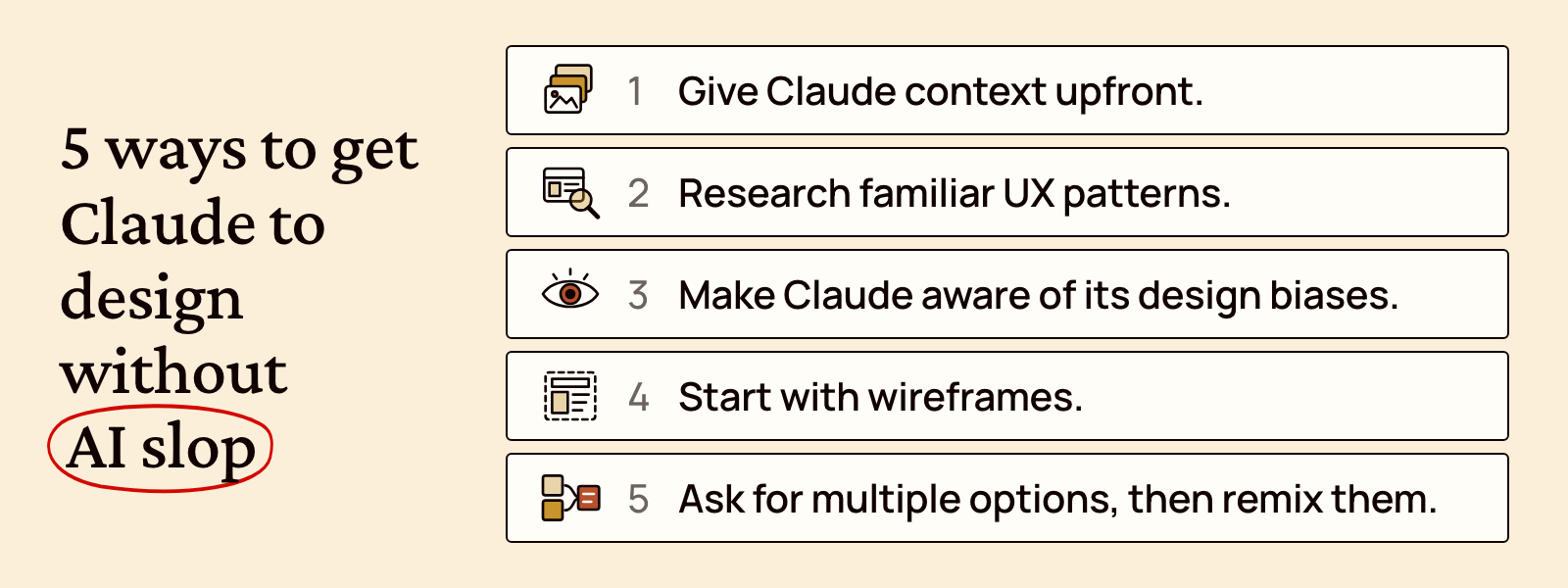
Here are 5 ways Nate designs without AI slop:
Give Claude context upfront. Share screenshots, pages you like, and your past work. For an existing product, have Claude rebuild the real screens from code.
Research familiar UX patterns. For hard layout problems, ask Claude to research familiar products that solve something similar and note the layouts people already know how to use.
Make Claude aware of its design biases. “The model has no idea what its own biases are.” In your design.md or another file, consider discouraging Claude tells like serif-only text, off-white backgrounds, and card-edge bars.
Start with wireframes. Have Claude create wireframes first and give it feedback to nail your core user flows before evaluating fonts and colors.
Ask for multiple options, then remix them. Ask Claude to give 5 options for key screens with different fonts, colors, and styles. Then pick the parts you like and ask it to remix and create 5 more options.
To make it easy for you to put Nate’s tips into practice, I created this prompt that you can paste directly into Claude Code to create product designs without slop:


