


Dear subscribers,
Today, I want to show you how to go from AI novice to native in 5 levels.
Everyone throws around the term “AI native” without explaining how to get there.
You don’t have to read 100+ articles or take $1,000+ courses. I went from AI novice to native in a year while balancing a job, creator work, and kids, but you can navigate all 5 levels in a single week if you’re focused.
Watch my tutorial where I demystify all 5 levels and share my personal journey.
Timestamps:
(0:00) The 5 levels to become AI native
(0:47) Level 1: Where most people are stuck
(1:16) Level 2: Voice, meetings, and projects (80% of my value)
(5:05) Level 3: Why I prototype before specs now (live demo)
(8:02) Level 4: All the apps I've built with AI
(15:10) Level 5: AI as your personal agent (3 examples)
(20:15) How to go from Level 1 to 5 in a week
Watch now on YouTube or read the written guide below.
I’m proud to partner with Granola

One of Granola’s most useful features is letting you chat with your meeting notes as the meeting is happening. I use this all the time with requests like:
“Catch me up on this conversation”
“What are the top requests from this call?”
“What’s the sentiment in this meeting so far?”
I don’t even know how to work without Granola anymore, so give it a try below.
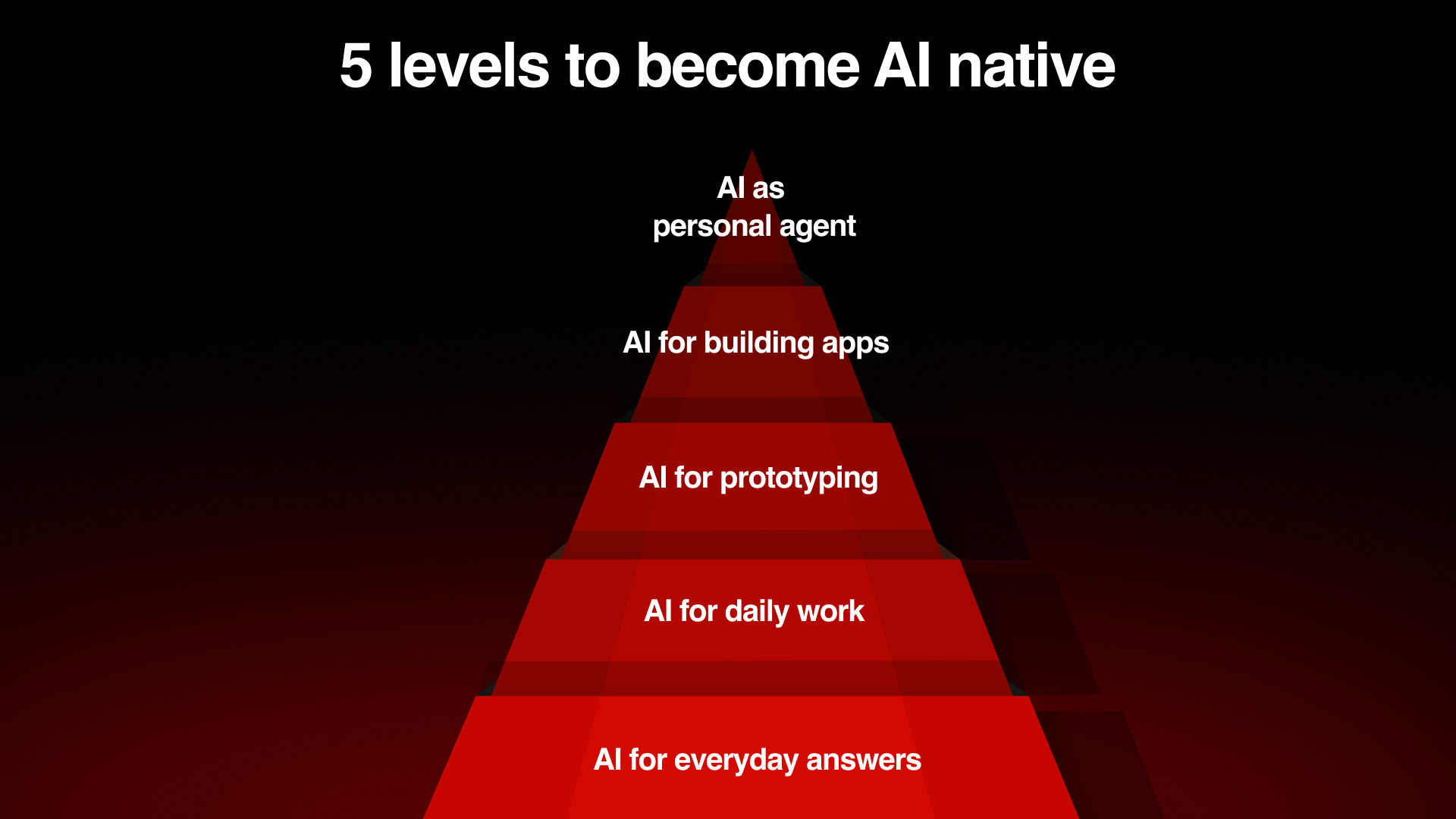
Level 1: AI for everyday answers
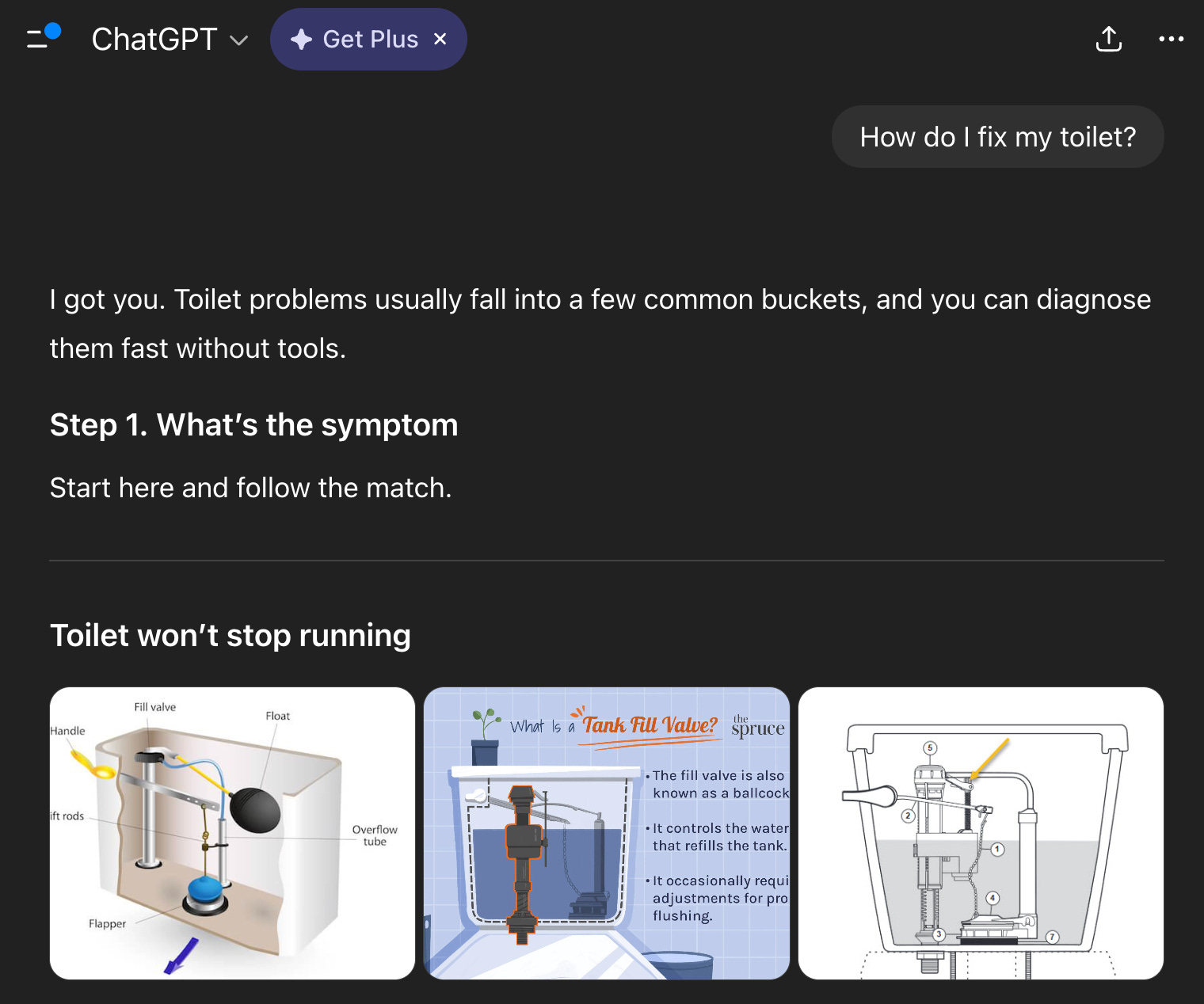
This level is where 99% of people are today.
You’re using ChatGPT to get everyday answers instead of Google Search. For example, the other day, I fixed my toilet by sharing a few questions and photos with ChatGPT. My wife doesn’t call me the least handy person in the world for nothing 🙂
This is where we all started, and that’s fine. But if this is all you’re doing, you’re barely scratching the surface. You need to at least get to…
Level 2: AI for daily work
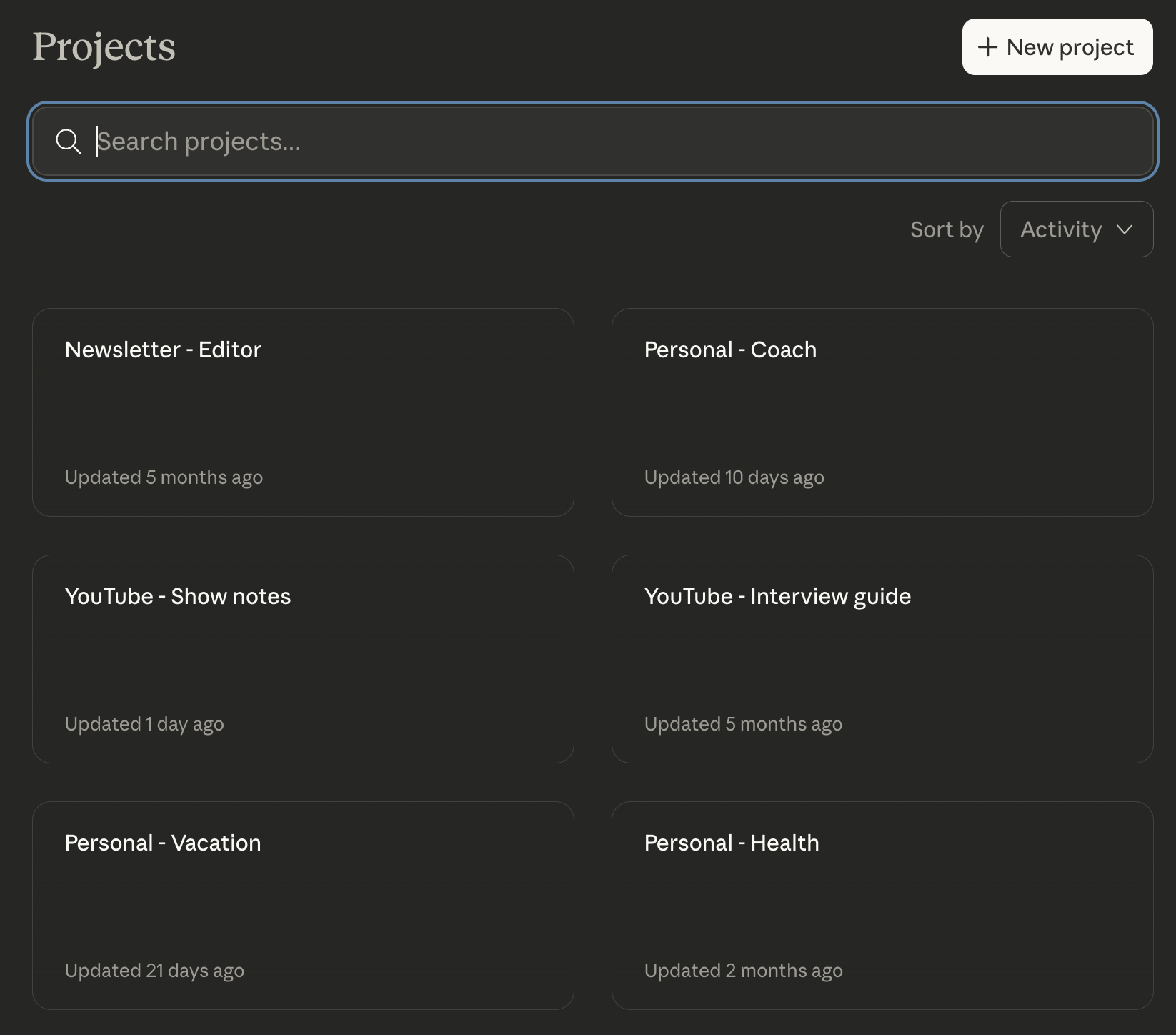
This level is a massive step up from level 1.
To unlock level 2, use AI for:
Voice dictation (Wispr Flow). It’s much faster to speak than to type and AI is excellent at understanding your stream-of-consciousness thoughts.
Meeting notes (Granola). Having AI take notes has been a massive time saver for every type of meeting from product reviews to interviews.
Projects. I have a dozen projects covering everything from product work to creator flows to weekend trip planning with my family (watch a live demo). Most of my AI chats flow through these projects now.
Probably 80% of the value I get from AI still comes from this level.
I even helped my 65+ year old parents set up all 3 tools above so they can use AI to monitor their health and plan their vacations.
Level 3: AI for prototyping
This level changed how I work as a product manager.
It’s now easier and more fun to iterate on a prototype than a doc or design.
Instead of following the broken waterfall process (spec → design → build), I now:
Start with a prototype. I create a prototype first using Google AI Studio or Replit by cloning my product’s existing UI and adding a feature on top.
Gather feedback fast. I share the prototype with my team, execs, and stakeholders to get feedback and iterate quickly.
Create the spec and design. Once I feel confident in the prototype’s direction, THEN I create the spec and design to iron out the edge cases and more.
If you’re still stuck in a culture where people are chasing waterfalls, just start creating and sharing prototypes in meetings. I’ve yet to meet a leader who doesn’t prefer playing with a prototype over looking at a static doc or design. It just brings what you’re trying to build to life so much better. The bottom line is this:
Code is now easier to create than any other artifact.
Prototypes help you seek the truth much faster.
Watch my tutorial with Logan (Google AI Studio lead) for a live tutorial.
Level 4: AI for building apps
This level is when you can’t help but think about building apps with AI all day.
Just 6 months ago, vibe coding was a painful process of trial and error. Now, I find it more fun than watching Netflix.
I’ve built over 16 apps including a retro shooter, a personal website, and a board game finder. Check out my GitHub for more projects.
At this point you may be thinking: “But I have no idea how to code or what a terminal even is. Someone needs to show me how!”
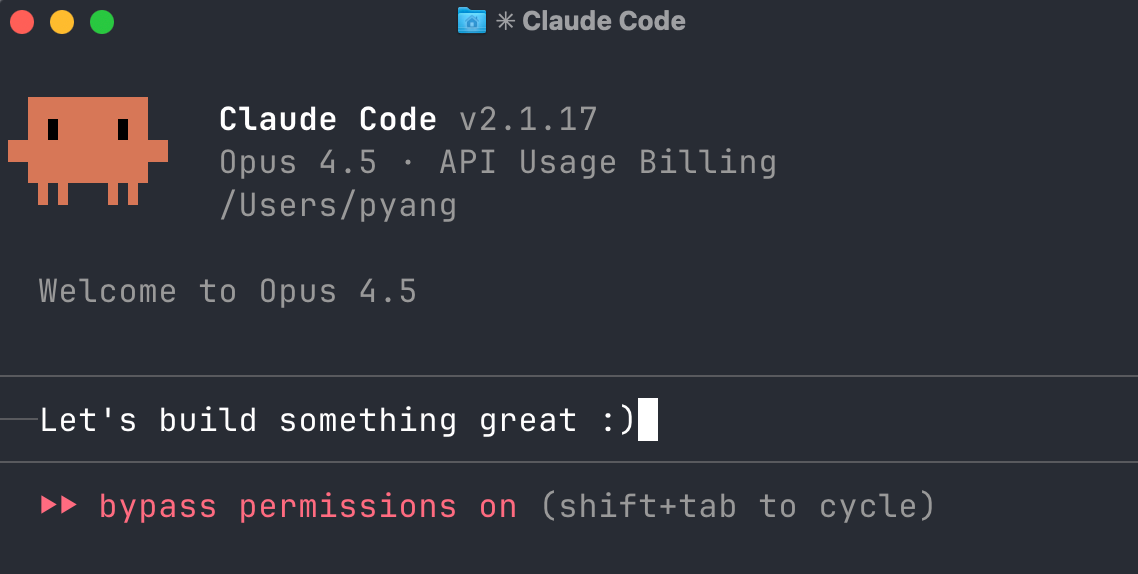
Look, you’re just chatting with an AI agent using plain English. If you’re just vibe coding a personal app, you don’t have to look at the code at all. And the terminal is arguably a cleaner interface than an IDE with all sorts of features you won’t use. Just take a look at this cute Claude Code crab:
How to start building
Follow these three tips:
Don’t know what to build? Just tell AI your problems. Ask it: “What are some simple apps that we can build to help me take time back?”
Create a robust plan first. Ask it to “Create a plan with 3 clear milestones” to avoid mistakes during coding. Spend half your time planning with AI.
You’re the manager, AI does the work. Give it feedback and direction like you would a human employee. Be patient with it 🙂
Which AI coding tool to use
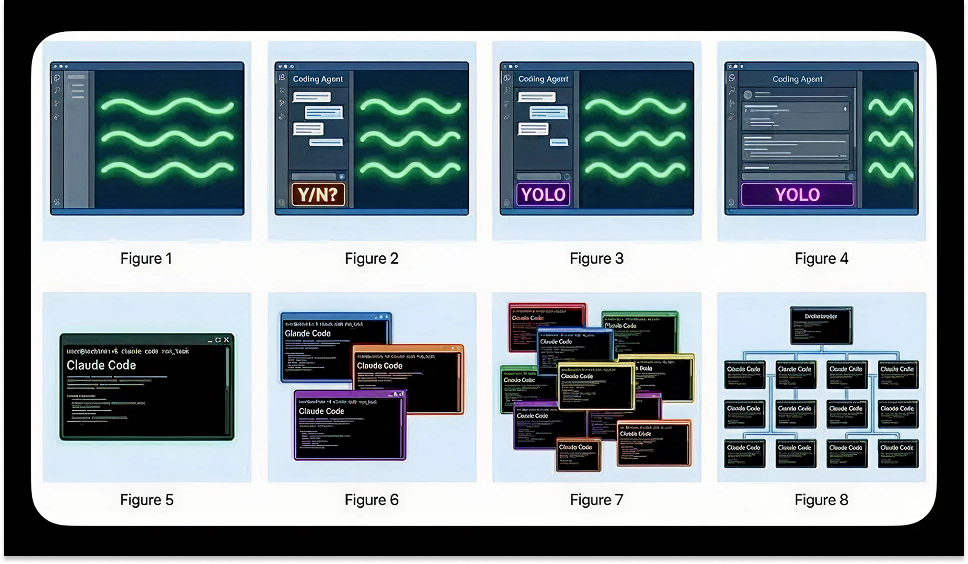
Just start instead of worrying about which tool to use. But here’s my rough guide: